In progressPhone
Phone apps in the stores
Public on the App Store and Google Play, not just for testers.
Features
First what we’re working on. Then every release, newest first, all the way back to before 1.0. The changelog has every small fix, and the blog has the long stories.
In progress first, then what’s planned. No dates promised.
Public on the App Store and Google Play, not just for testers.
A bot that imports a server for you, and a bridge so both sides can talk while a community moves.
The same encryption as direct messages, for small private groups.
Schedule a game night and let people say they’re coming.
Rent a Gryt server from a host we know, if you’d rather not run one.
Browse plugins from the app, see what each one asks to do, and install one on your server without a restart.
Show what you’re listening to, from your computer or by connecting Spotify.
Bots sit in a section of their own at the bottom of the member list, online or offline.
A call plays a ringtone until you answer, flashes the taskbar and shows a notification when Gryt is in the background.
Pick a ringtone and a message sound from the ones Gryt ships, or use your own file.
A bot that wants more permissions waits in Server settings until an admin approves the new ones.
See who’s in voice, their latency and the voice server’s numbers, or hand that to a bot so an AI can help debug.
A server saved by its LAN address offers its public one when you’re somewhere else.
A reply wakes the phones of the people who wrote in that thread, and nobody else.
Expand a thread from its panel to the whole chat area. Each channel remembers the one you had open.
Clicking a voice channel opens the call next to what you were reading, and a grip sizes it.
Each window gets its own quality, sound and Watch tile.
Put the call in a small window that can stay on top of a game, or fill the screen.
Messages in the call’s chat pop up on the sender’s tile, ready to reply to.
Drop in Discord’s data package and your side of a chat comes across encrypted, with its files and dates.
A pill at the top or bottom of the channel list shows when something new is scrolled out of view, and takes you there.
The message box shows bold, lists, quotes and code as they’ll be sent, pasted or typed, with a format bar.
Gryt says how many people a ping will notify and waits for you.
Unread counts survive a restart and carry over to your other devices.
Point your phone at the code on a new computer, check four pictures match and tap Approve.
A Mac on your Apple ID gets your key from iCloud Keychain, like your iPhone does.
The server no longer keeps a password-locked copy of your key, so nobody can sit and guess it.
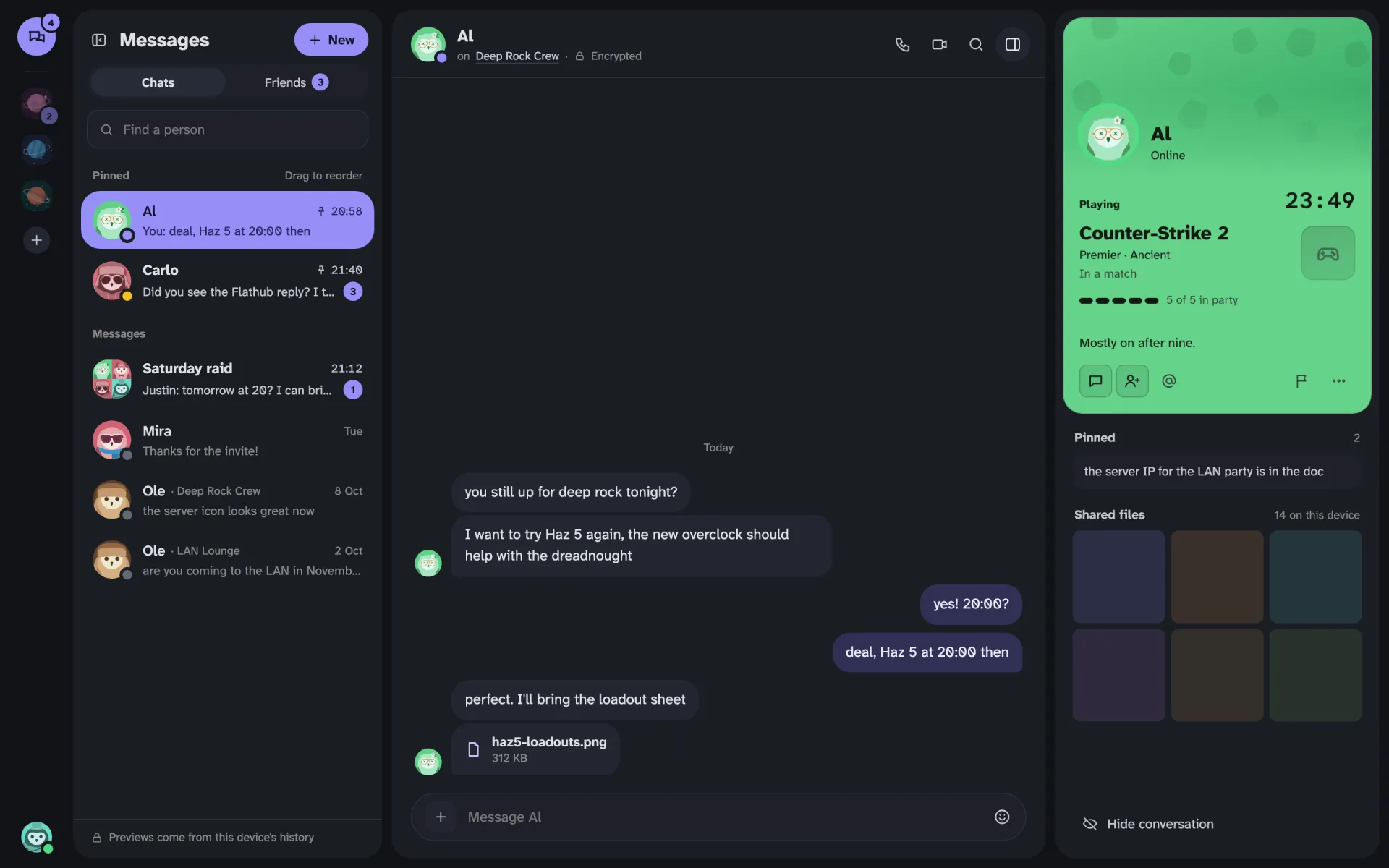
Every conversation from every server in one list, with the person’s card beside it. Pin the people you talk to most.
Direct Messages, RedrawnCtrl+K searches messages and file names across a server, narrowed by who, where, when or what’s in them.
Each channel and DM keeps what you were typing, pictures included.
Several pictures sit in a gallery, and the viewer opens out of the one you clicked.
Link previews get their picture from your server, so the linked site never sees your IP address.
Each device has a name and says when it was last used, and old ones go in one click.
Your name and picture follow the first server in your sidebar, so a server you join starts out with the same profile.
Ask a question with up to ten answers, one or several, anonymous if you like, and pick which roles can answer.
Pick how messages look, and which side your own sit on.
Several pictures arrive as one grid, and you can drag files into order before sending.
Use a custom emoji from any server you’re on, where the server allows it.
Jump to the present from anywhere, with a line marking what came in while you scrolled.
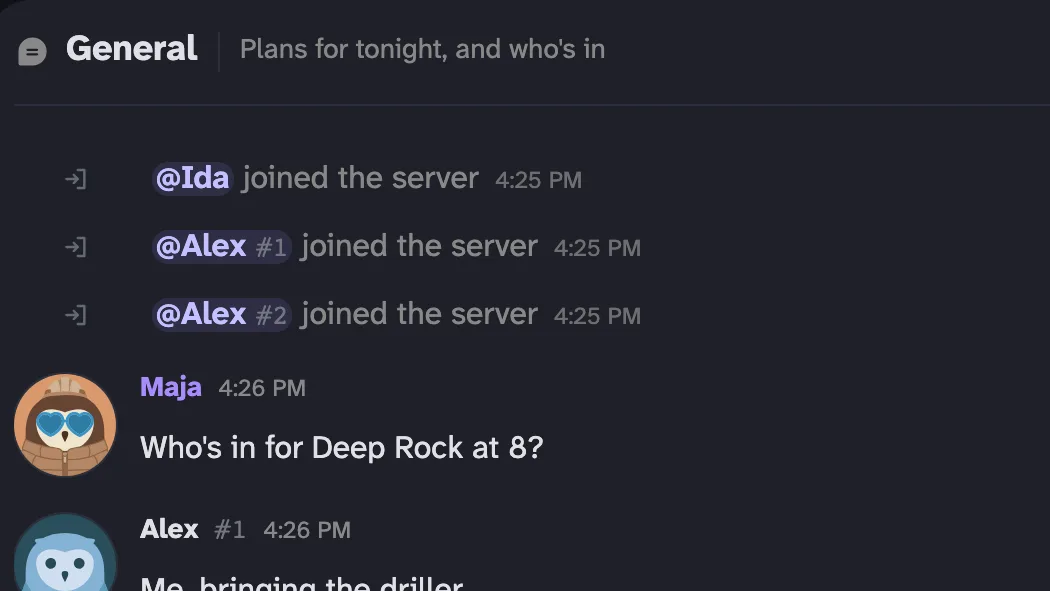
A channel says what it’s for, beside its name at the top of the chat.
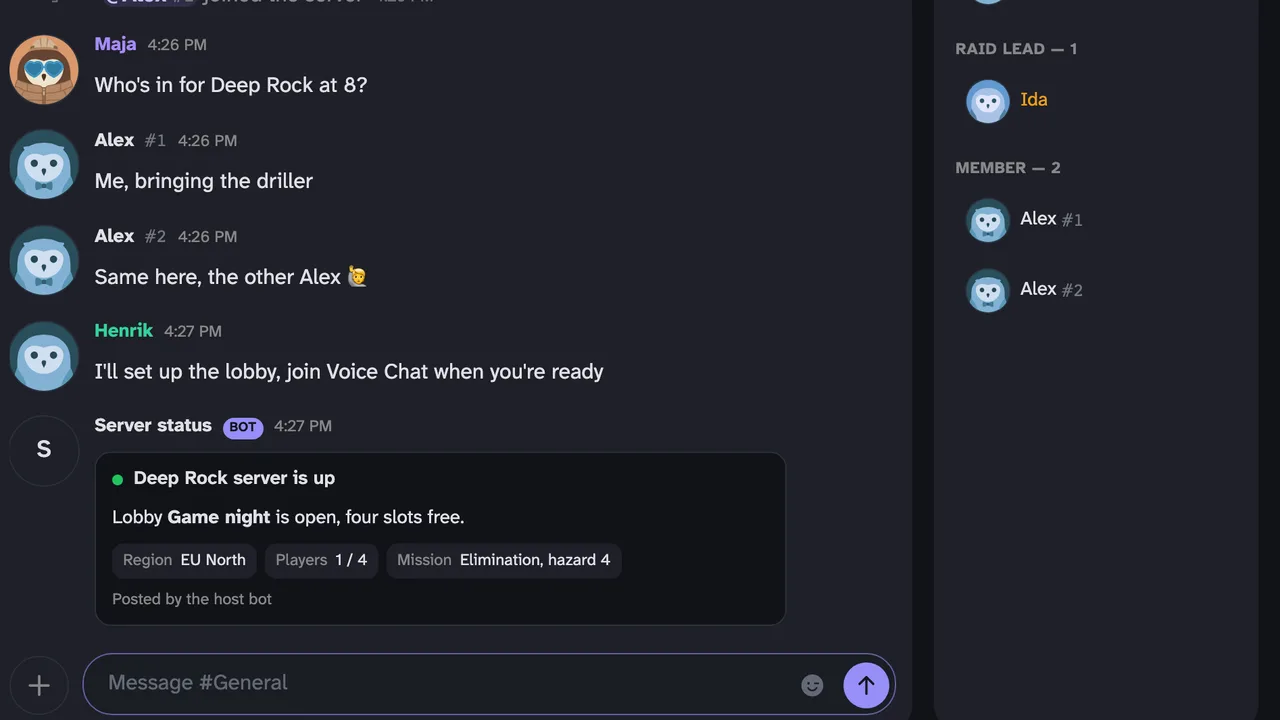
Members who share a name get a number by who joined first, and @ pings the one you picked.
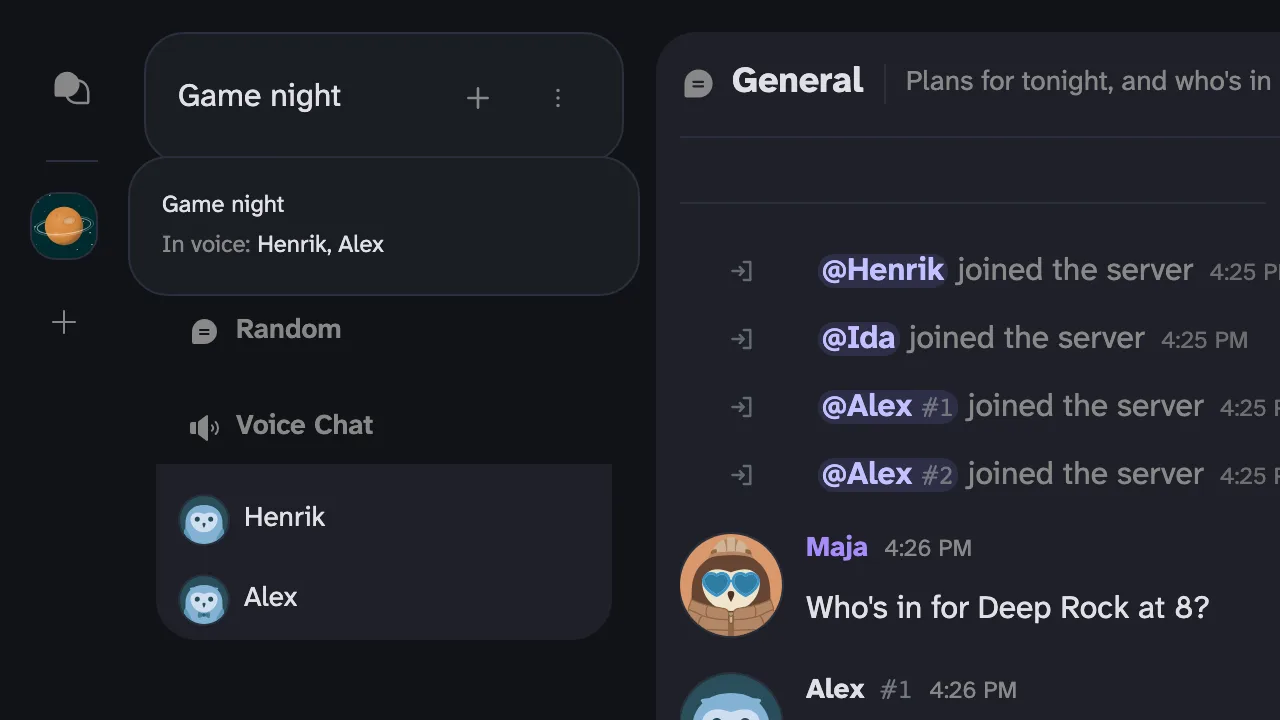
Point at a server in the sidebar to see who’s in its voice channels.
Pick a short video as your avatar or banner. Where it can’t play, a still stands in.
Pictures and files from other sites wait for you to say yes, so a link can’t tell anyone you looked.
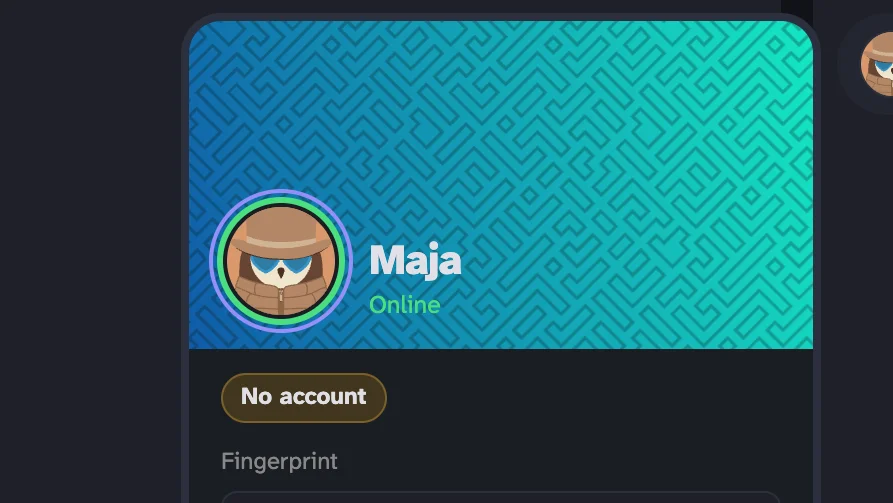
Colours, patterns, a banner, a bio and a status line, the same on every server.
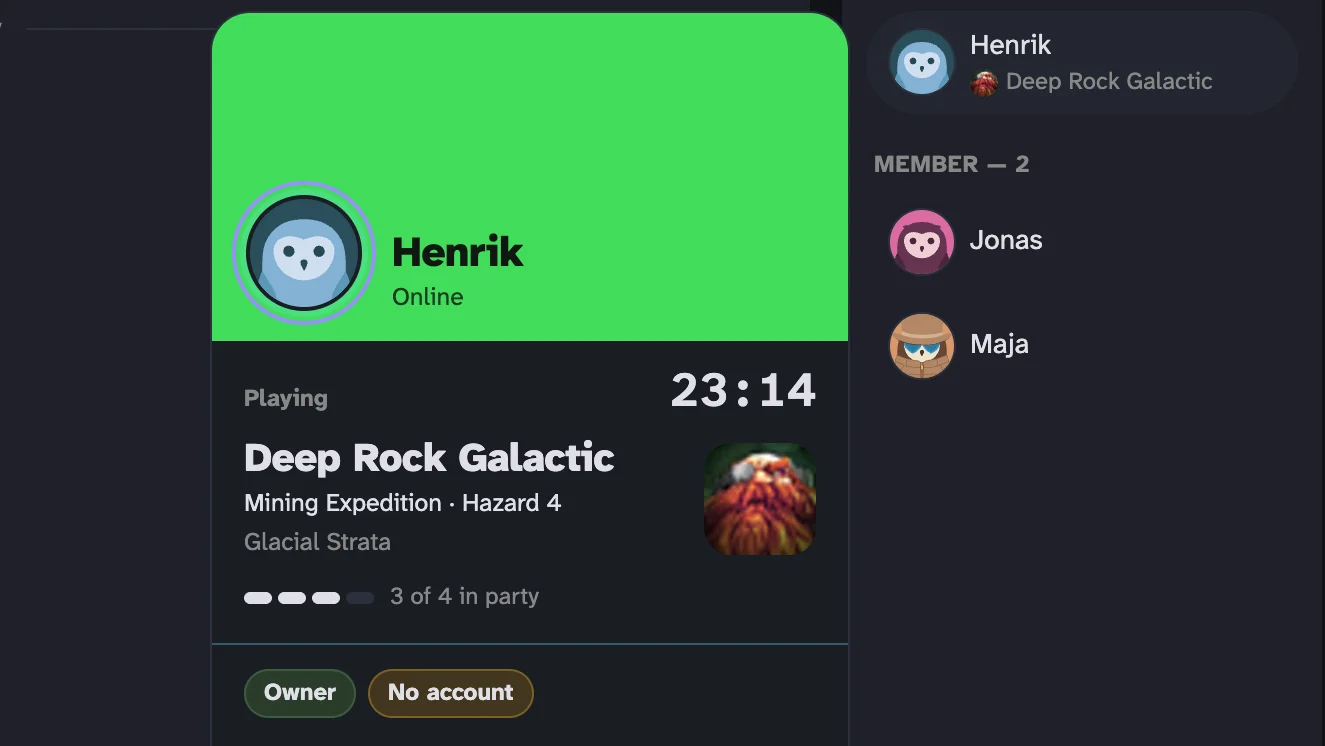
Games that report to Discord report to Gryt too, and Gryt can spot the rest, and apps like Figma, by their program. It asks before showing each one.
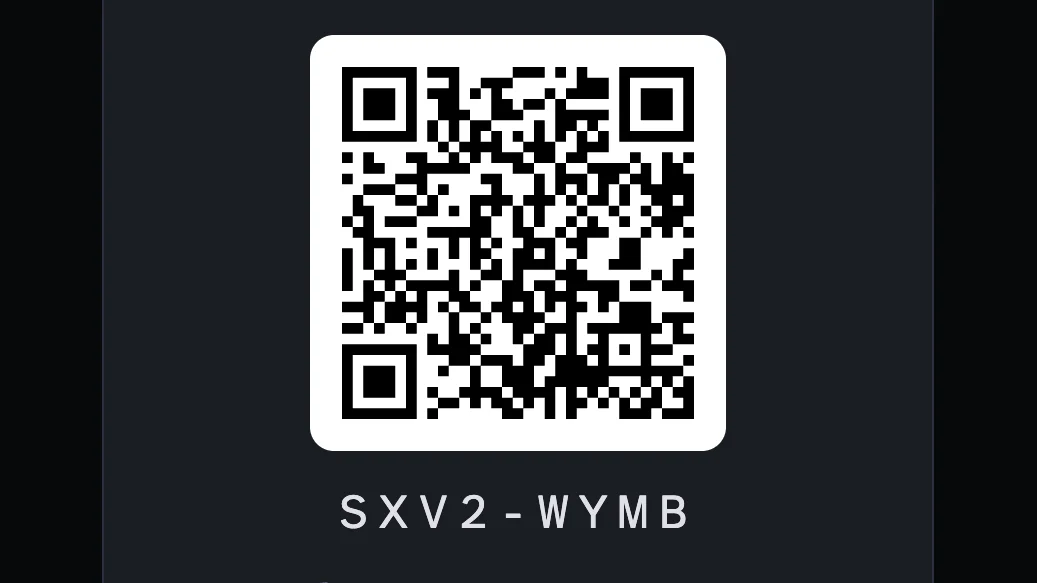
Scan a QR code or type a short code, and your keys move over without a server holding them.
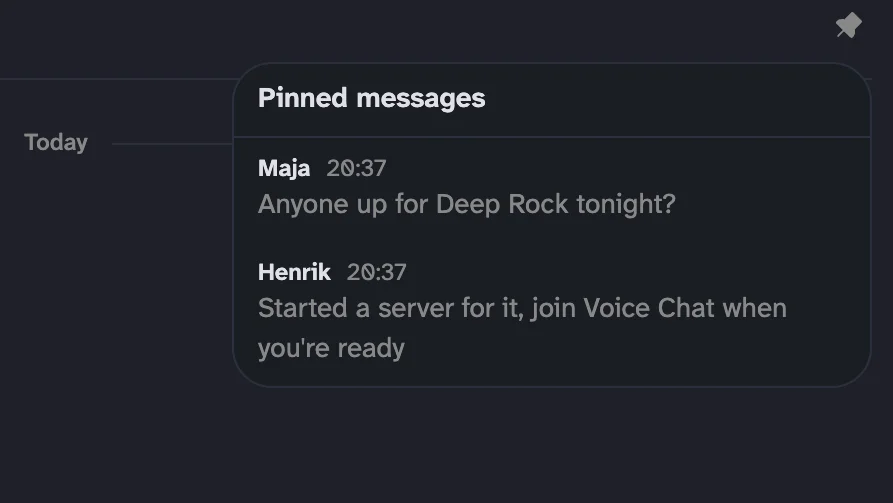
Pin from the message menu, and jump to an old pin however far back it is.
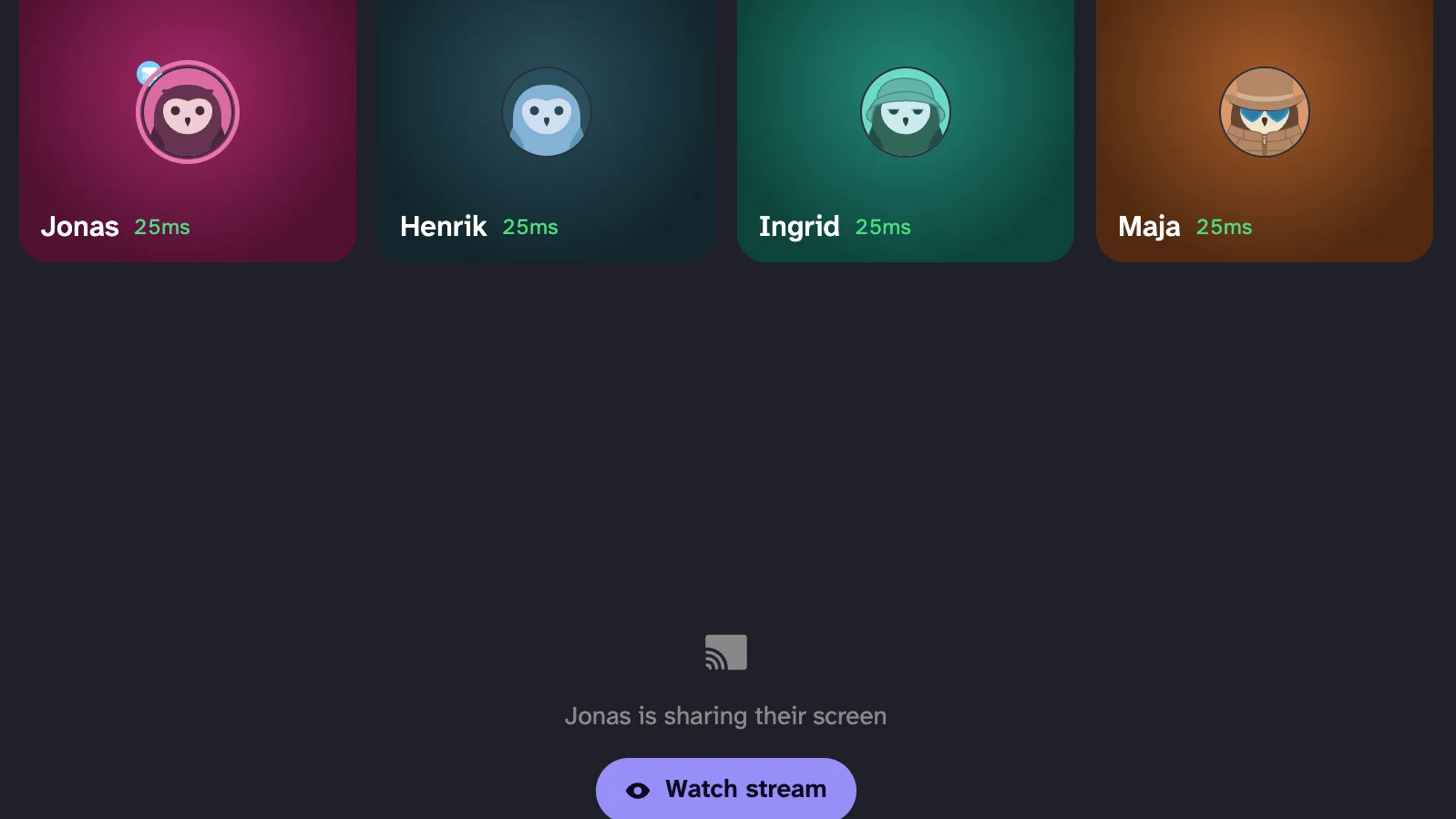
A screen share waits until you click Watch, so nobody downloads video they didn’t ask for.
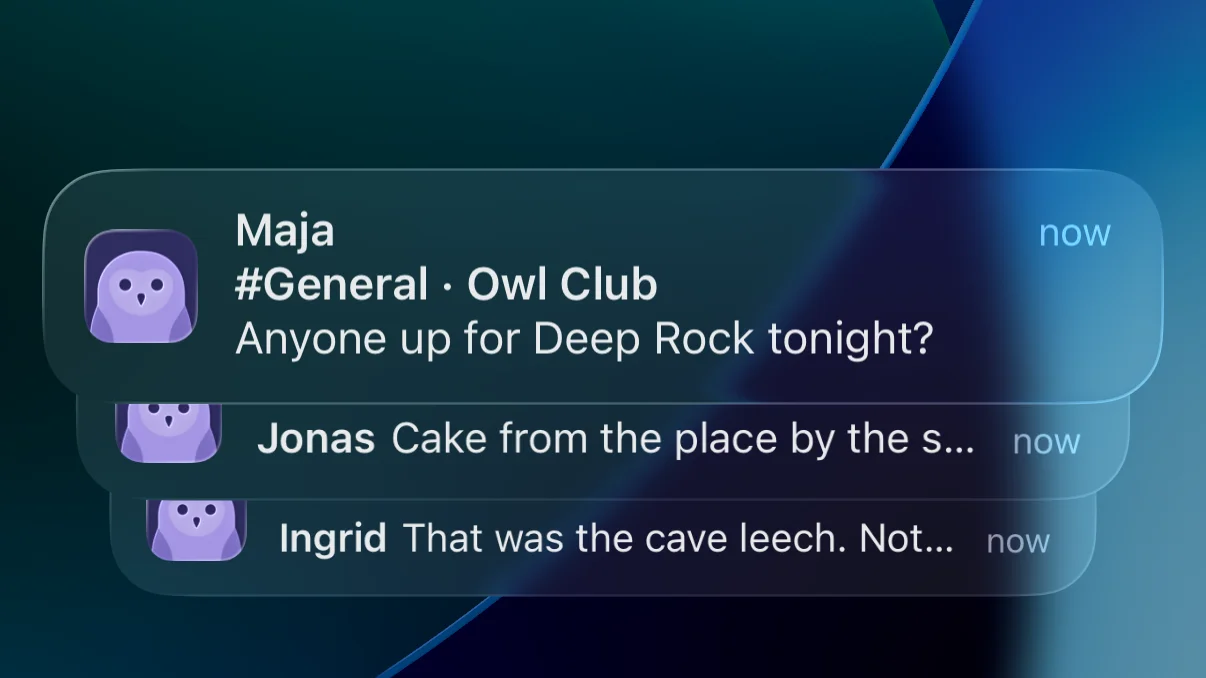
Previews are encrypted on the server and only your phone can read them.
Seven Weeks of Gryt on a PhoneThreads, forums, friends, themes, unread counts and server settings, on iPhone and Android.
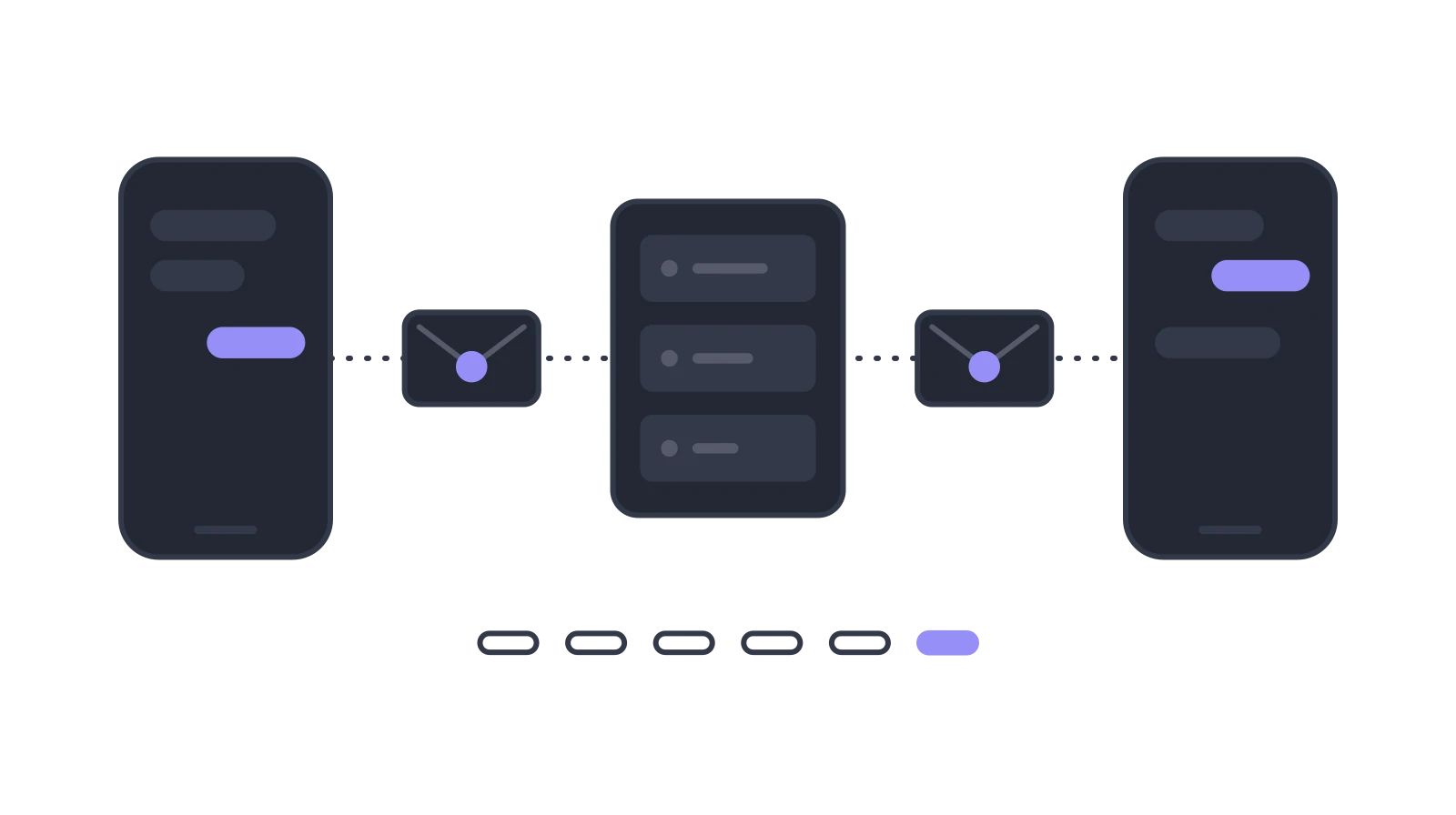
A key that leaks later can’t open messages from before it leaked.
Direct Messages Now Run on MLSTurn one person up or down in a call. With push to talk on, you hold the mute button to talk.
Whoever runs the server can import a DiscordChatExporter export through the server’s API, with channels, threads, replies, reactions, emoji, files and the original dates. There’s no screen for it yet.
Anyone on the server, friends, or nobody, for messages and calls apart, and the server holds to it too.
They get you back into your direct messages if you lose every device. Find them under Settings, Security, and keep them in a password manager.
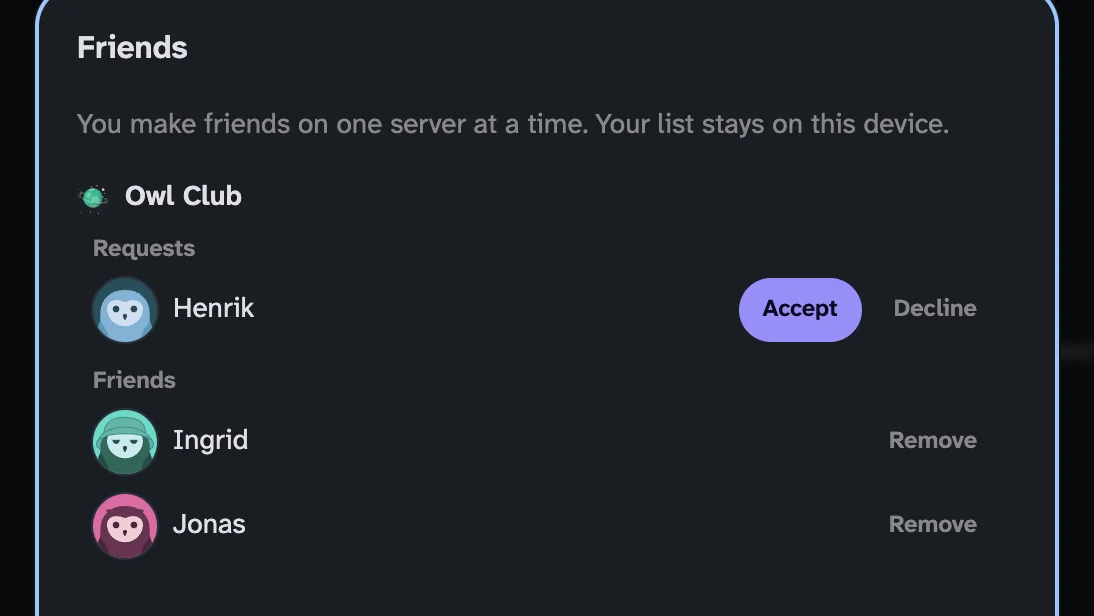
Add friends on a server, accept or decline requests, and see who’s online.
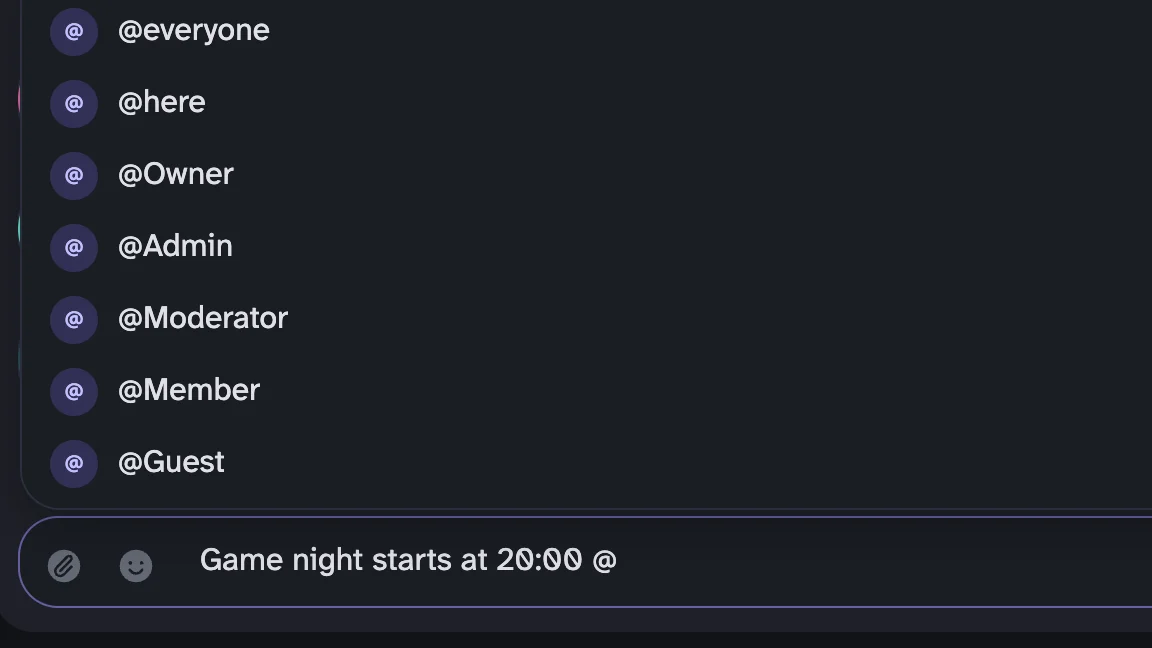
Ping @everyone, @here, a role or a #channel. A server can turn the big pings off.
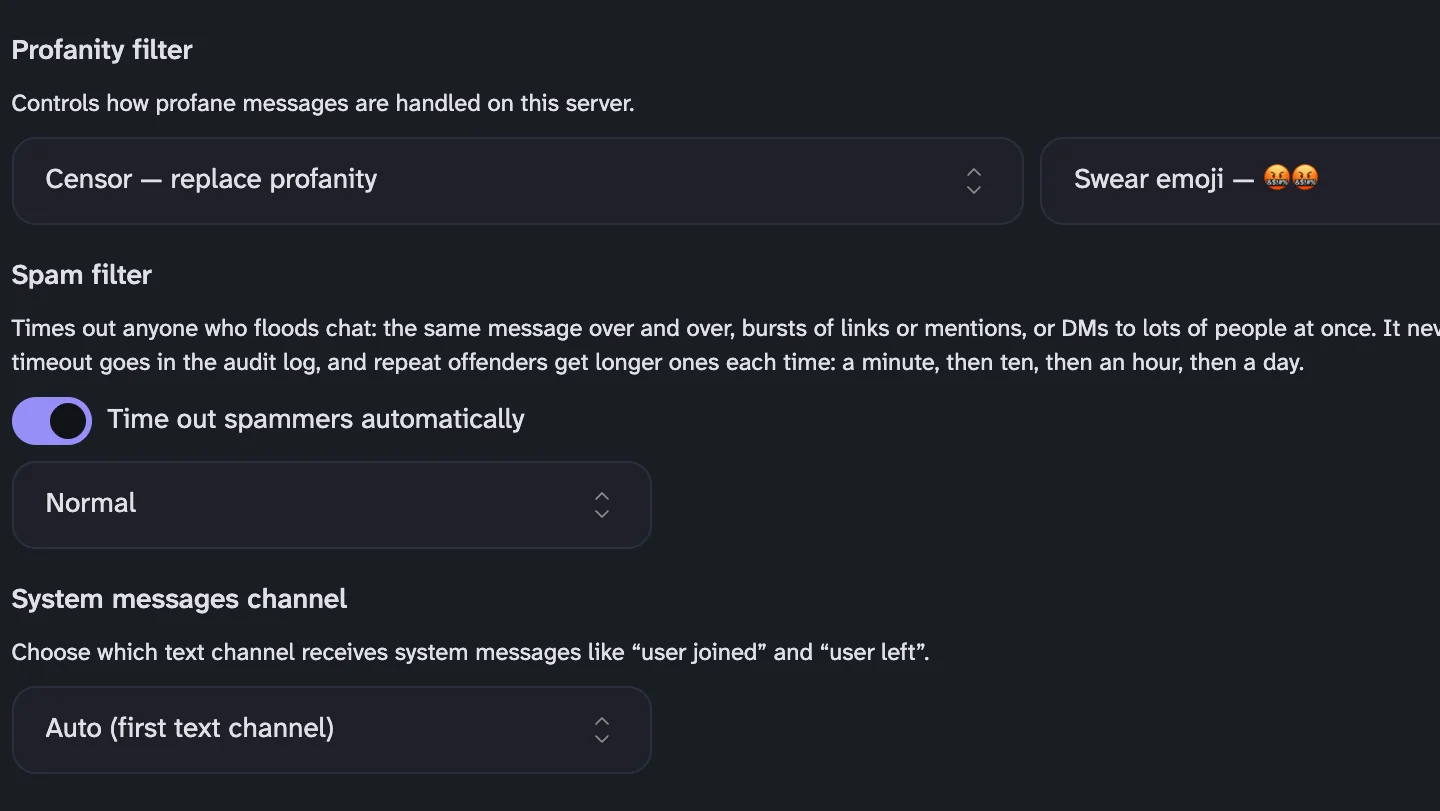
Turn it on and set how sensitive it is.
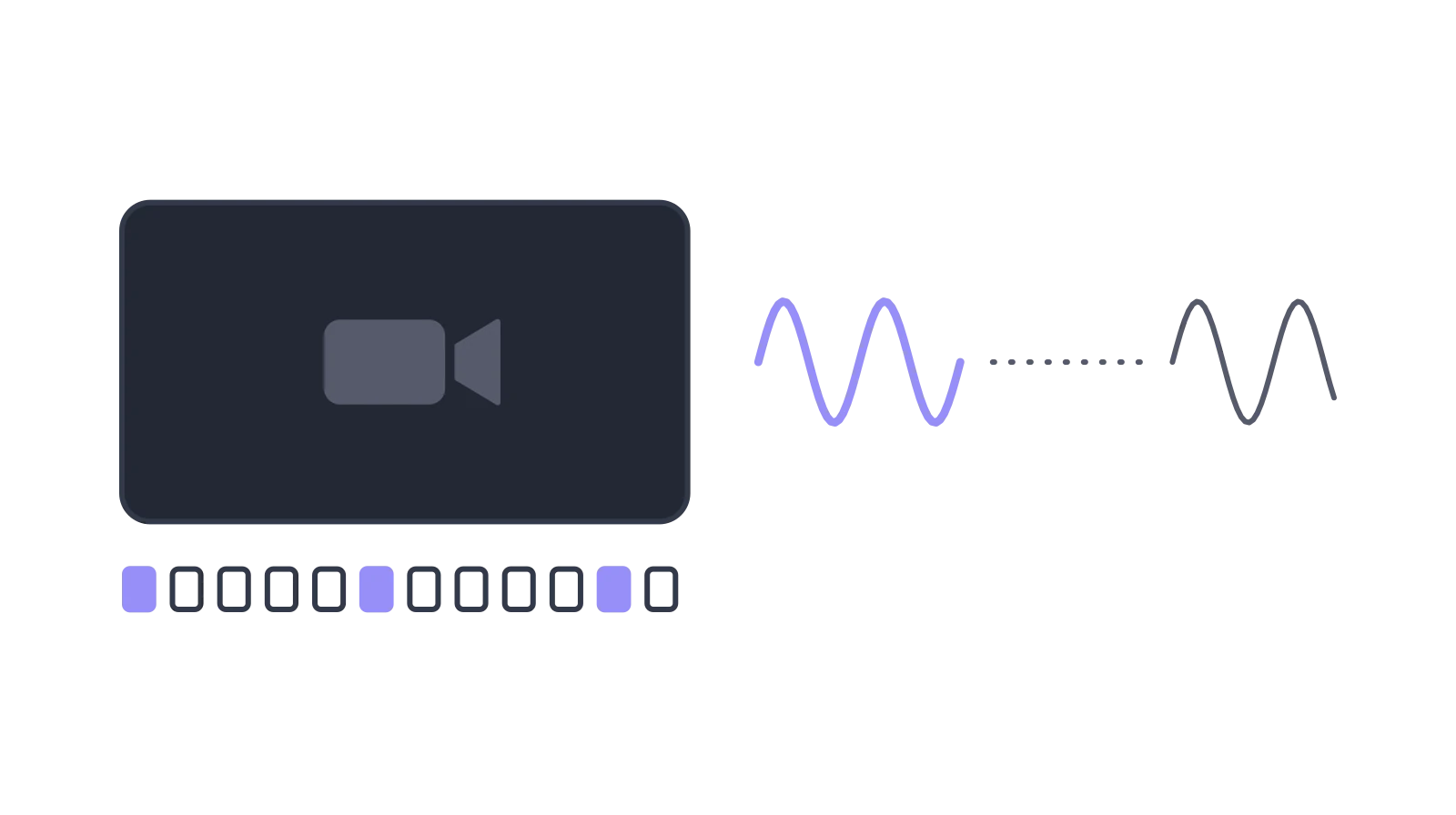
Video goes out at the size of the biggest tile anyone has open, and stops when nobody’s looking.
Chasing Dropped Calls and a 3 fps Webcam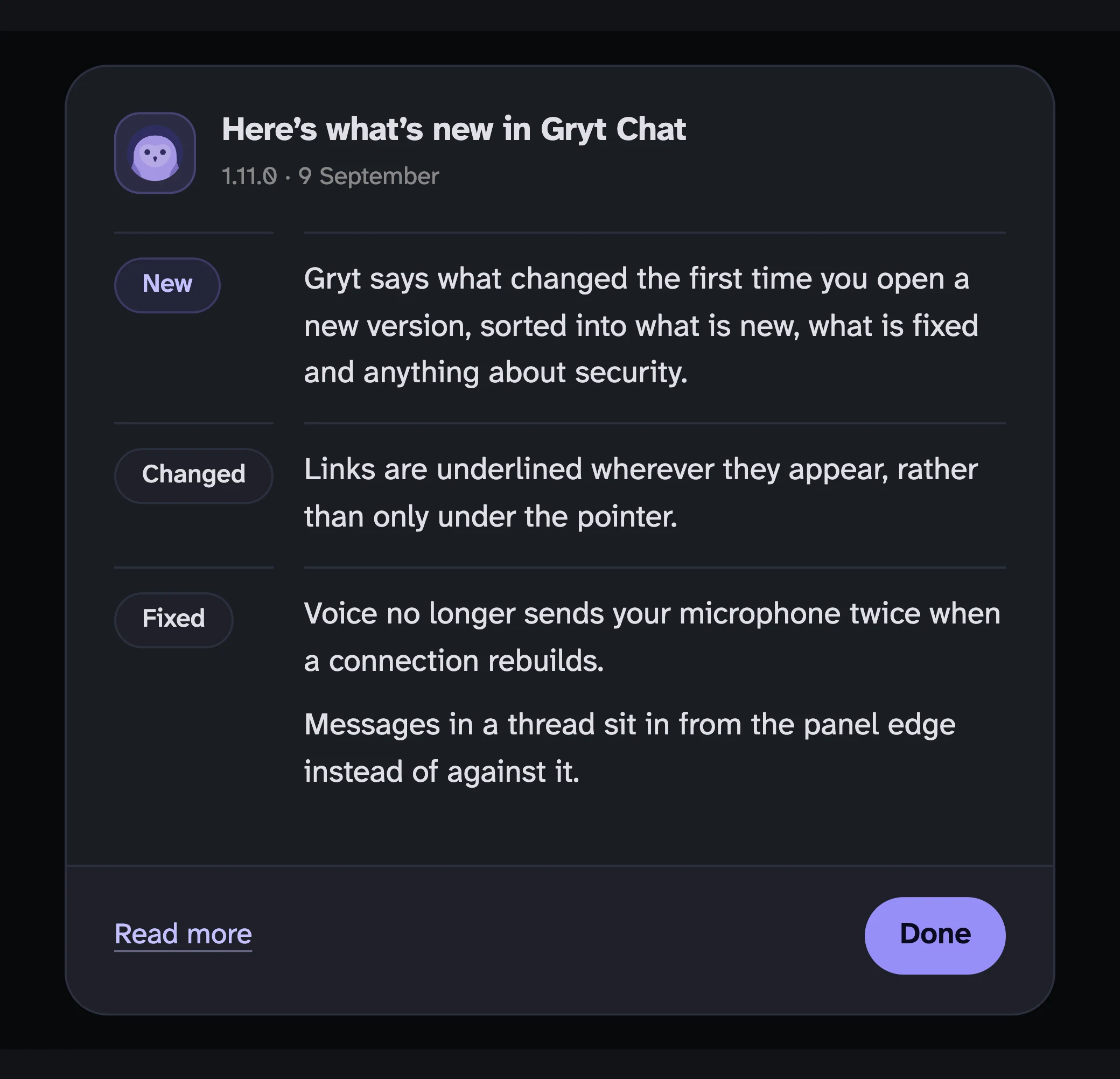
Gryt tells you what changed the first time you open a new version.
Gryt Tells You What Changed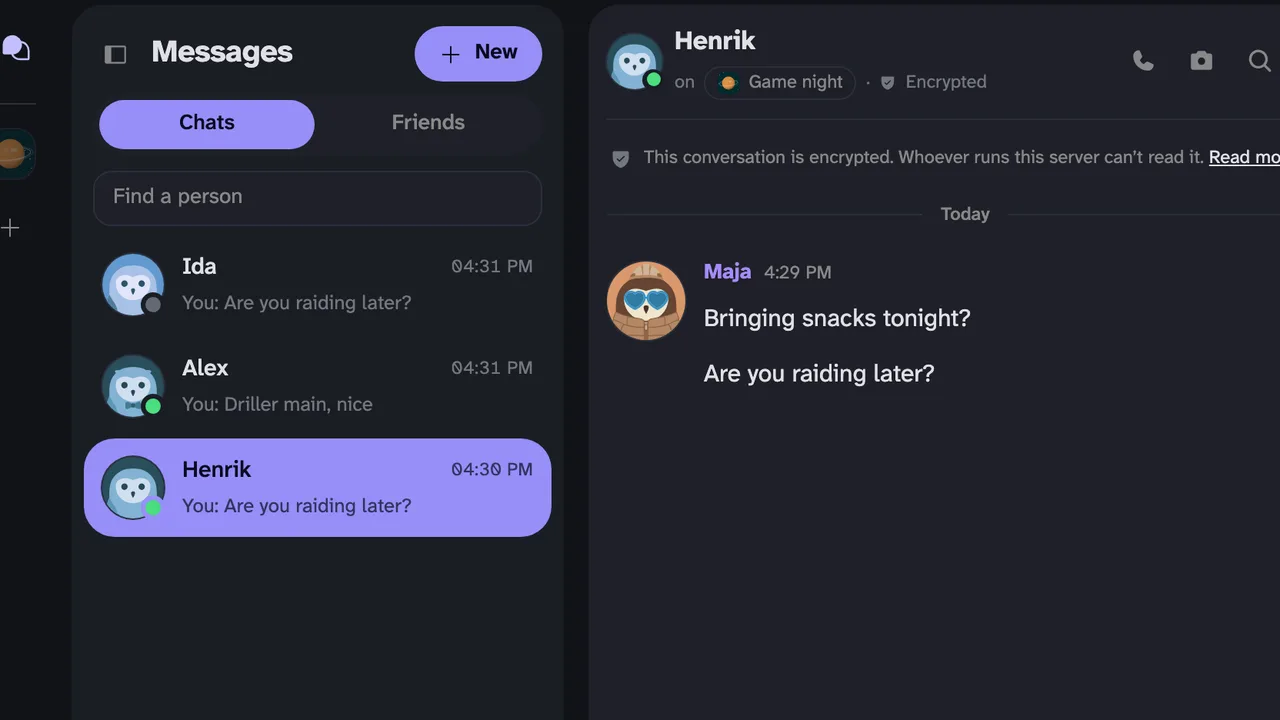
A dot on each conversation says whether they’re online, away or offline. Groups say how many are on.
Switch the quality, the camera or the window while people keep watching.
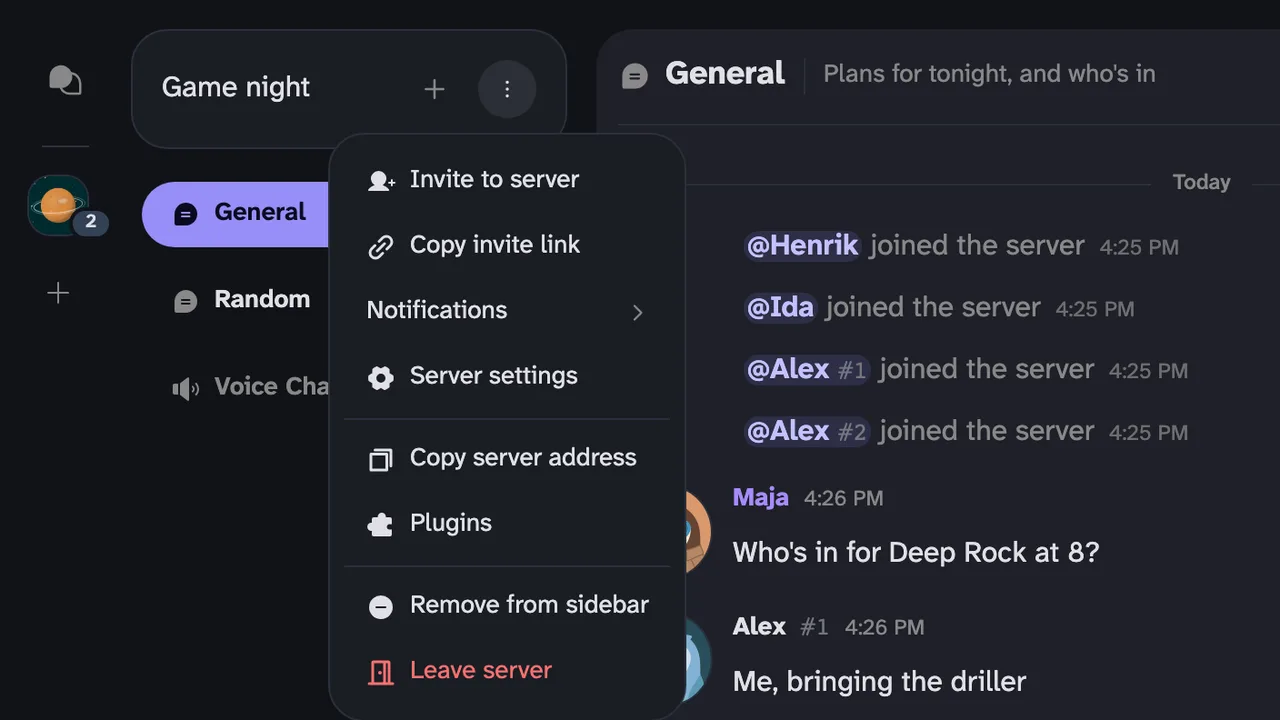
Anyone can copy a link from the server menu, and opening it brings up the join dialog.
Muted channels can leave the sidebar. One with a mention for you stays.
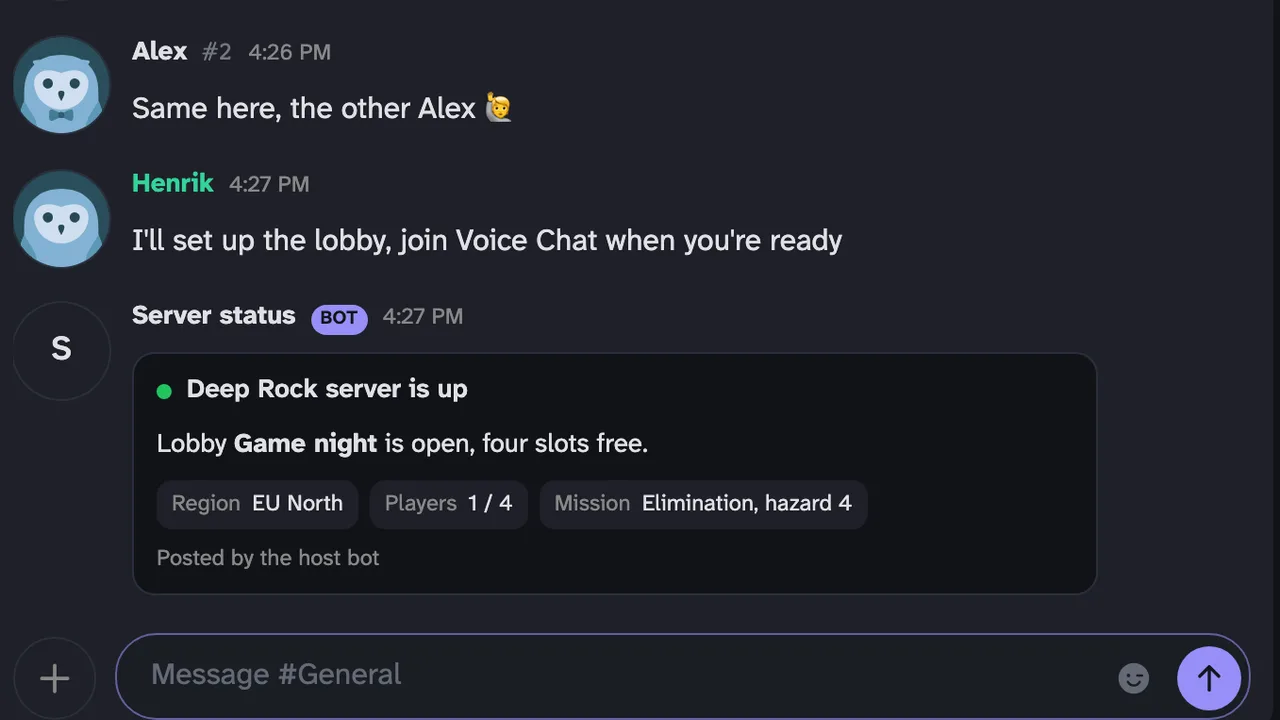
A webhook message can carry cards with a title, fields, pictures, an author and a footer.
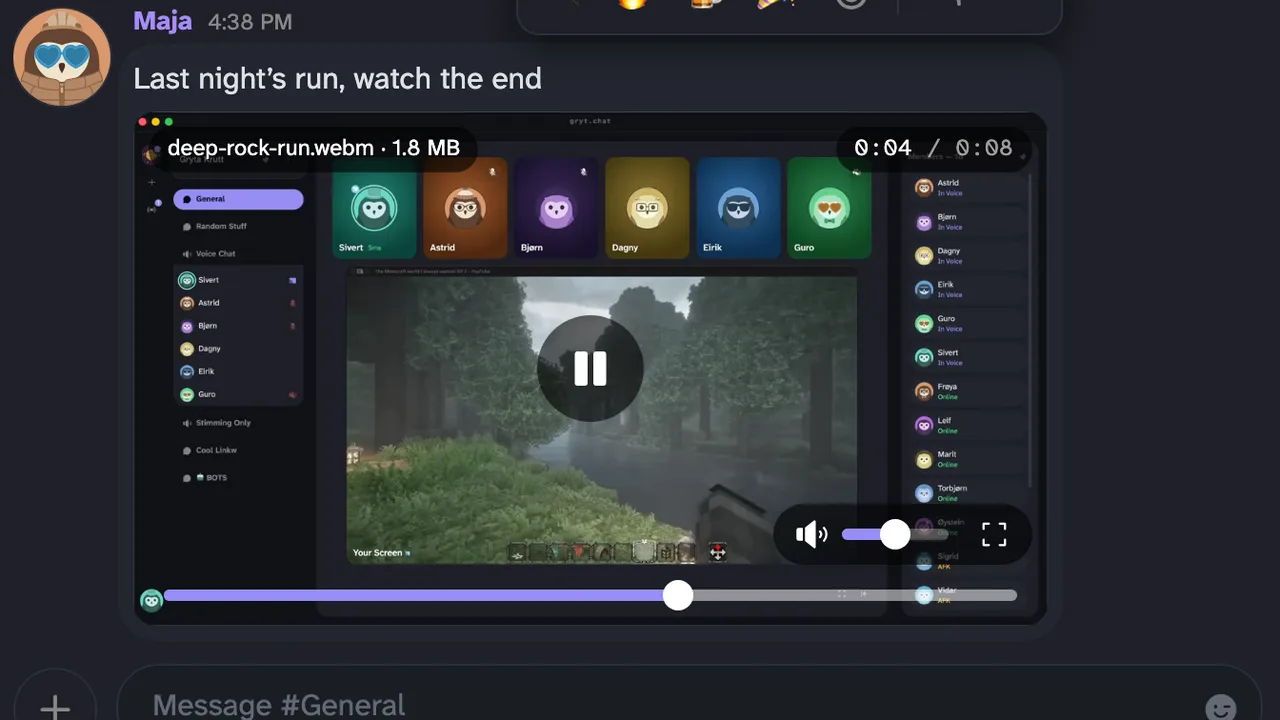
Videos in chat and in link previews play in Gryt’s player, with the name, size and length on top.
Gryt opens where you closed it, and remembers where you were on each server and in your messages.
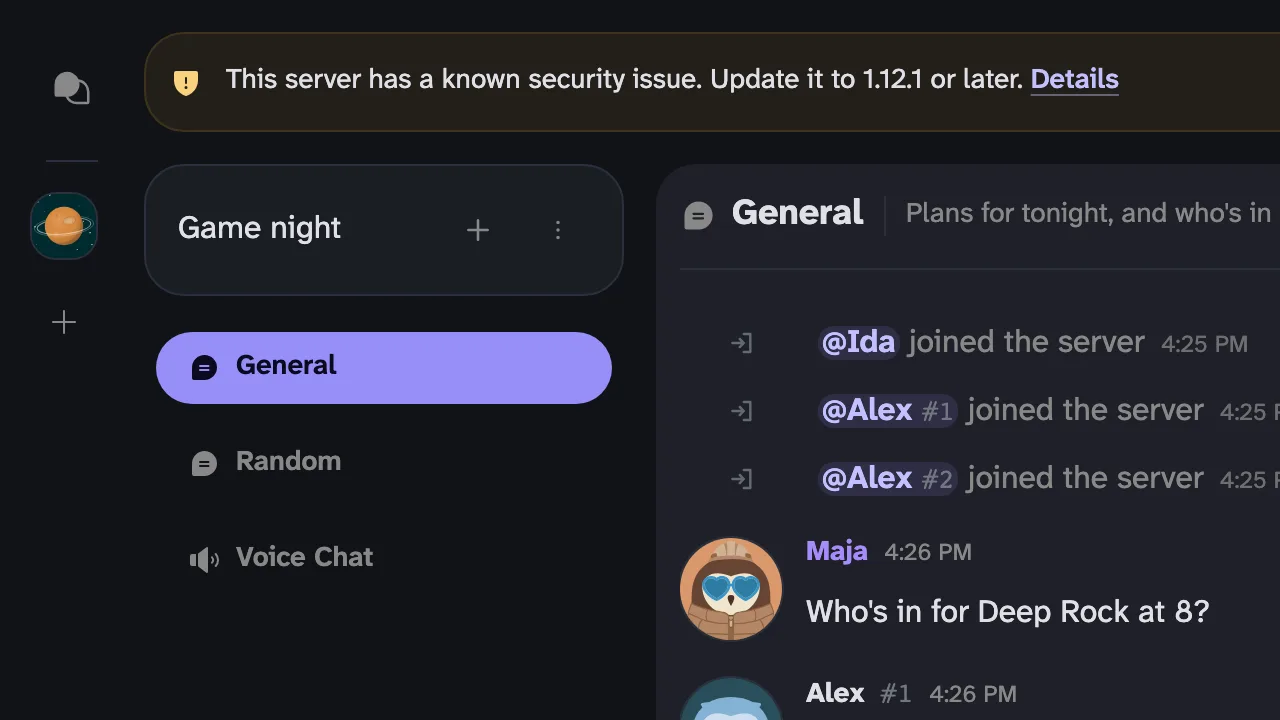
Owners and admins see when their server has a known security issue, and which version fixes it.
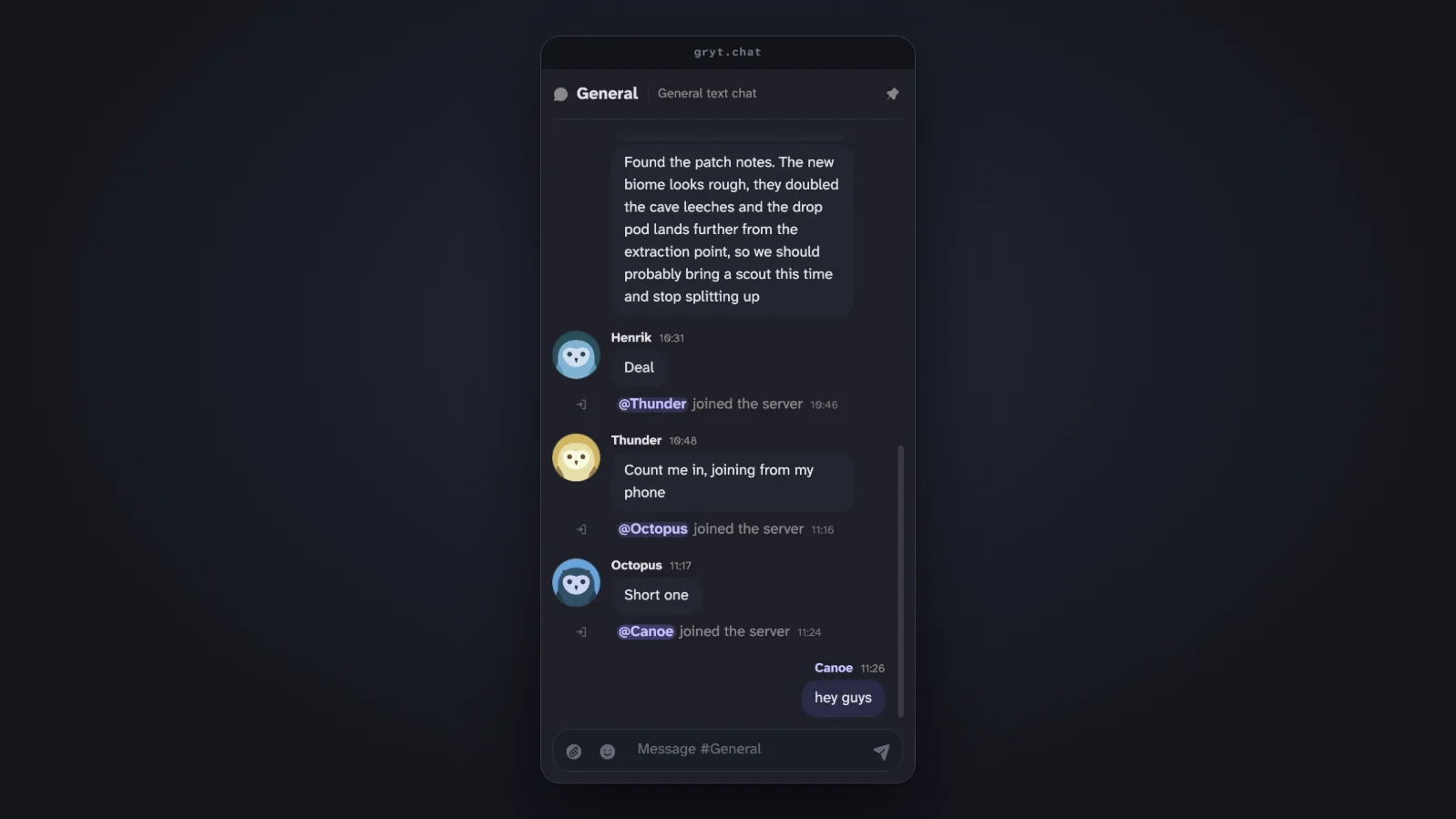
Make the window small and it turns into one channel’s chat, to keep beside a game.
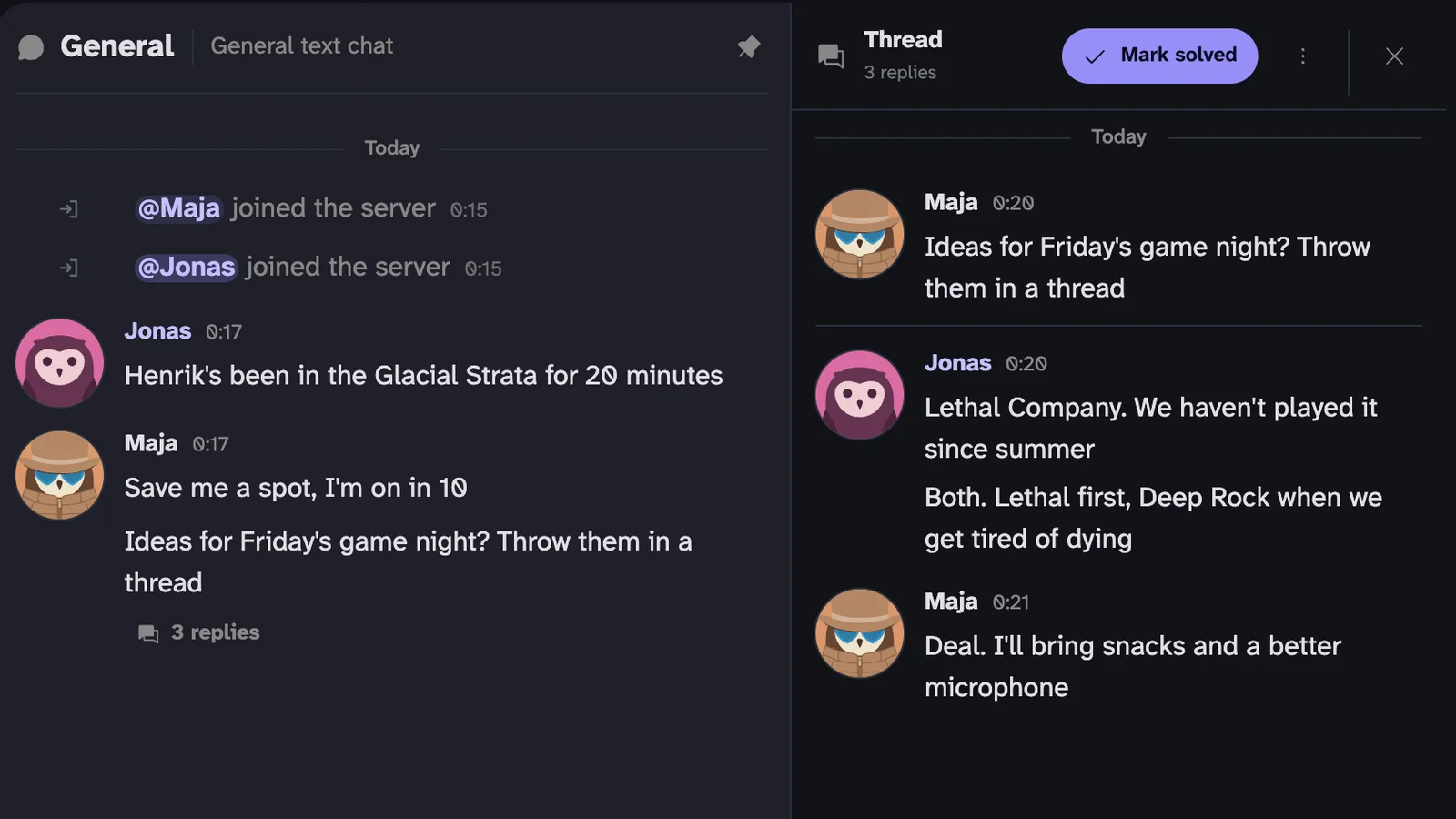
Reply in a thread without leaving the channel, or run a channel as a forum of topics.
Threads, Plugins, and Forty-Seven Themes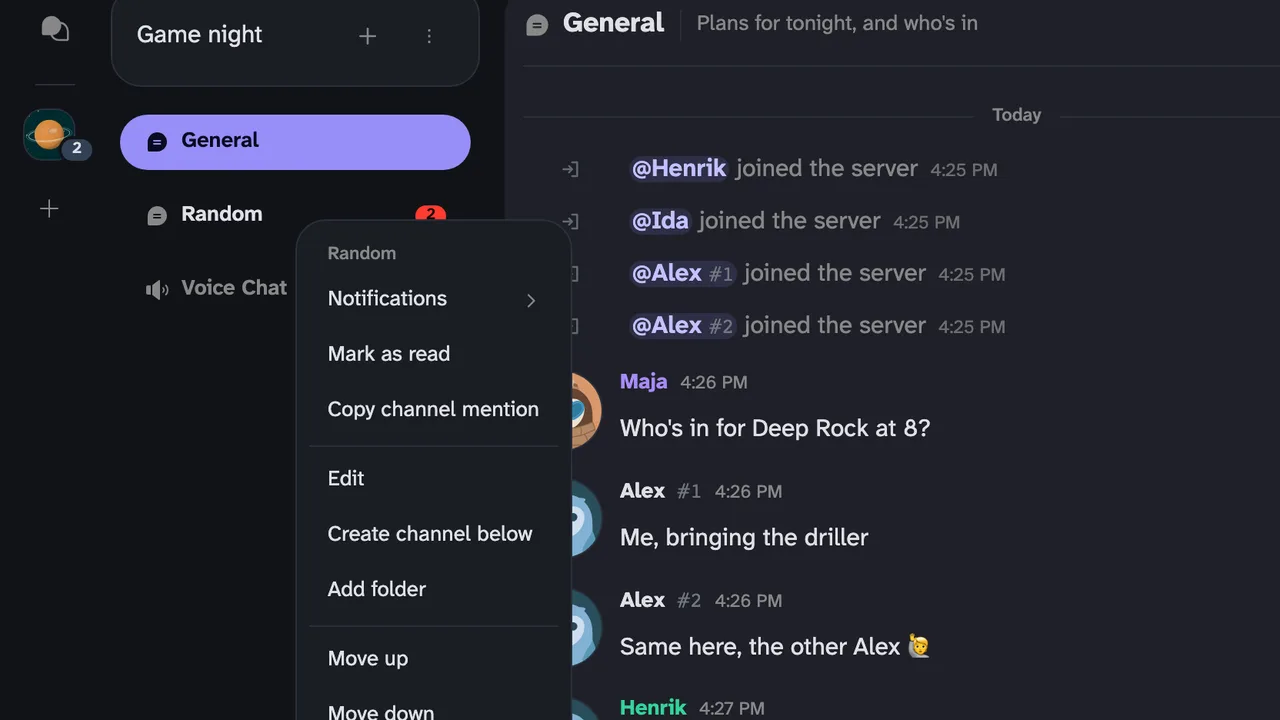
Mark a channel, a folder or a whole server as read.
Desktop notifications, and how loud each server, folder and channel is, down to muted and hidden.
Report a message or a person, and a server’s moderators see it in their own settings.
Tie a role to an invite link, so whoever uses it starts with that role.
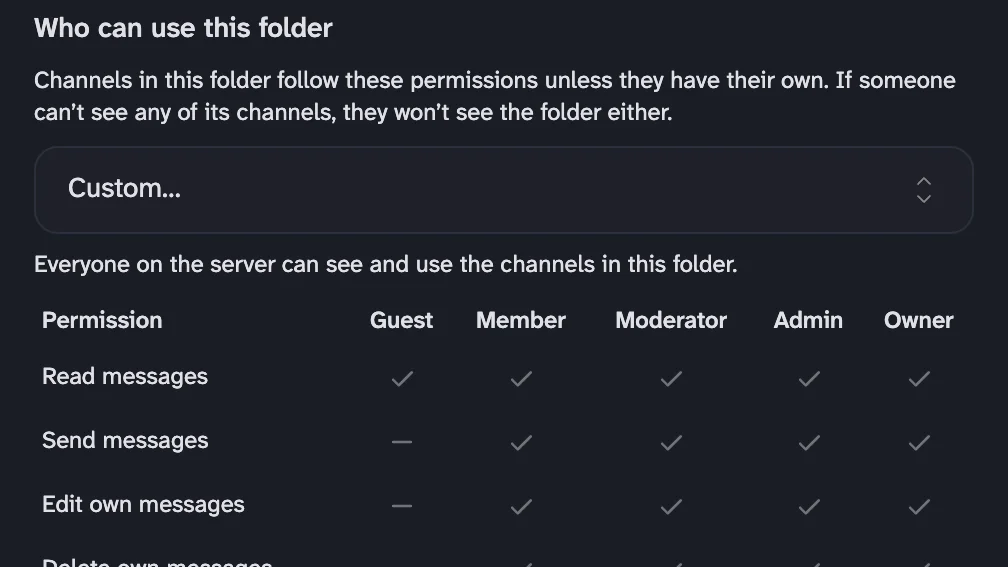
Group channels in folders, and decide who sees or speaks in each.
From Four Roles to a Permission System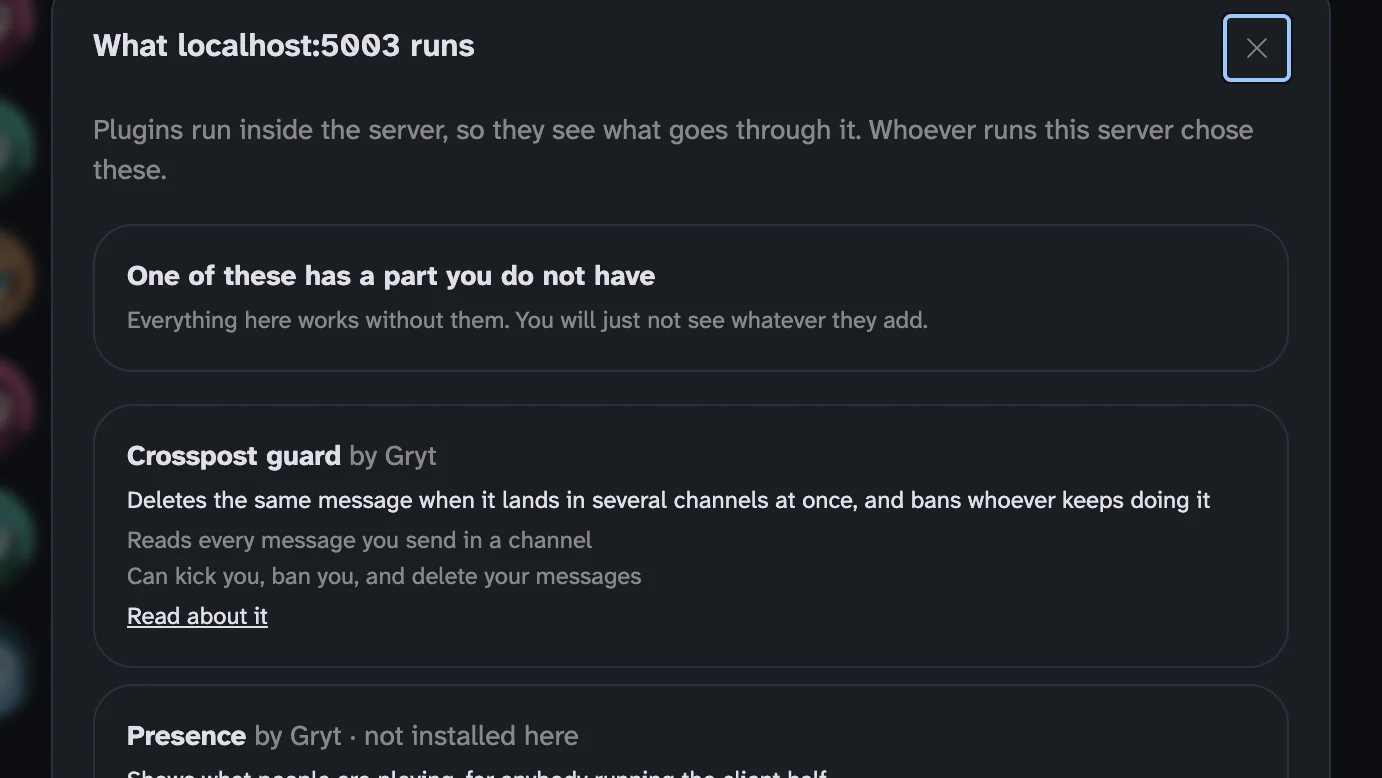
A server can run plugins, and anyone can see what it runs before joining.
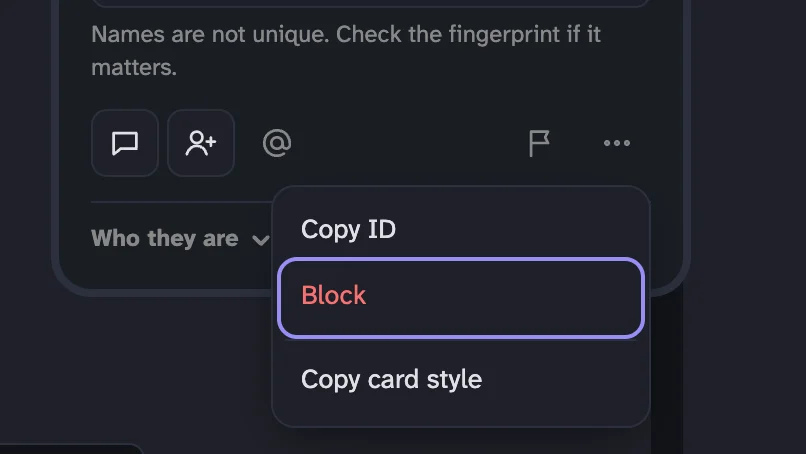
Block someone and their messages and calls stop.
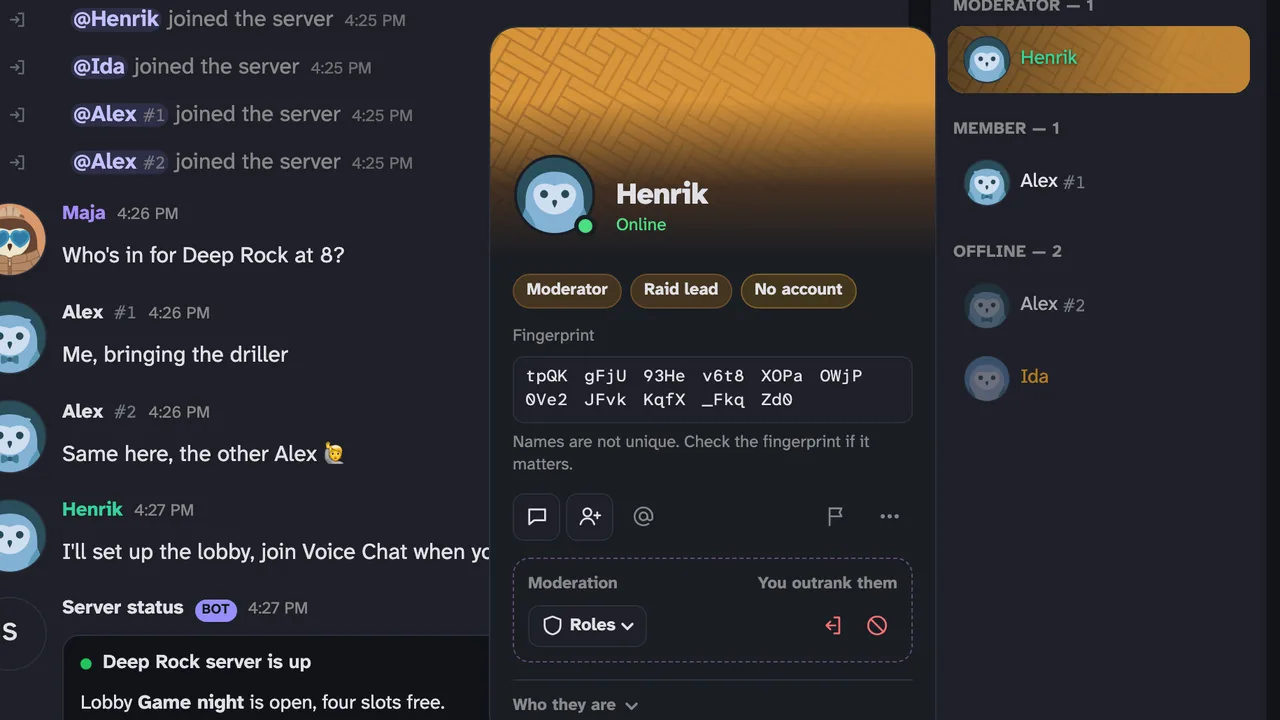
A member can hold several roles, and the member list groups and colours names by them.
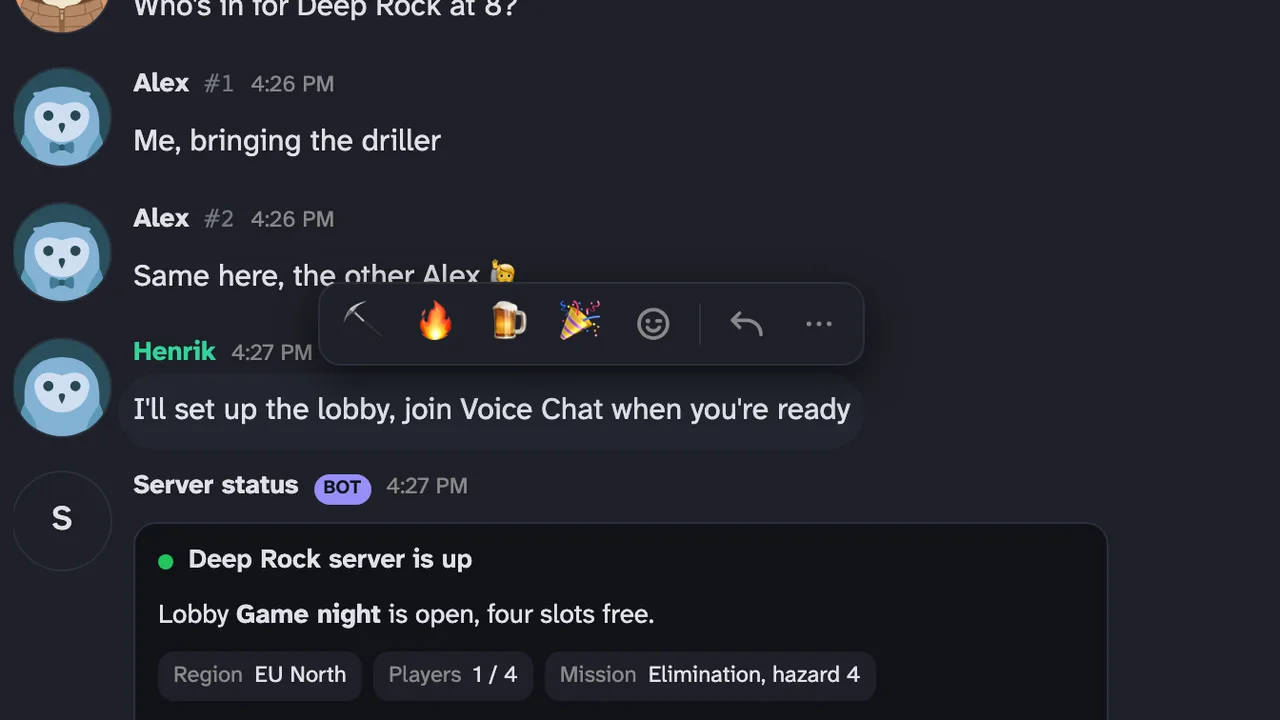
The reactions you use most sit on the bar that shows when you point at a message.
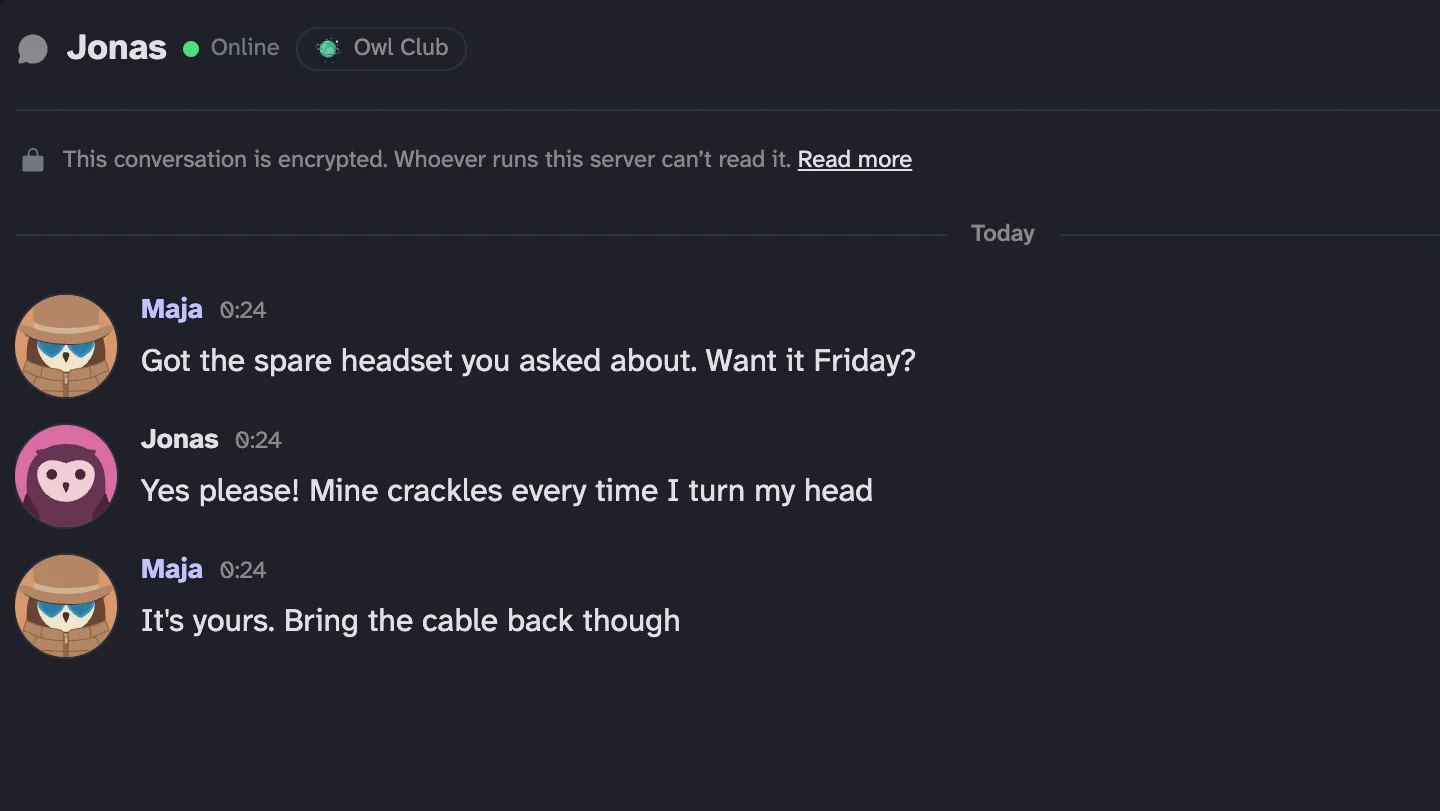
Messages and their files are encrypted before they leave, so the server stores what it can’t read.
The Server Can't Read Your Direct Messages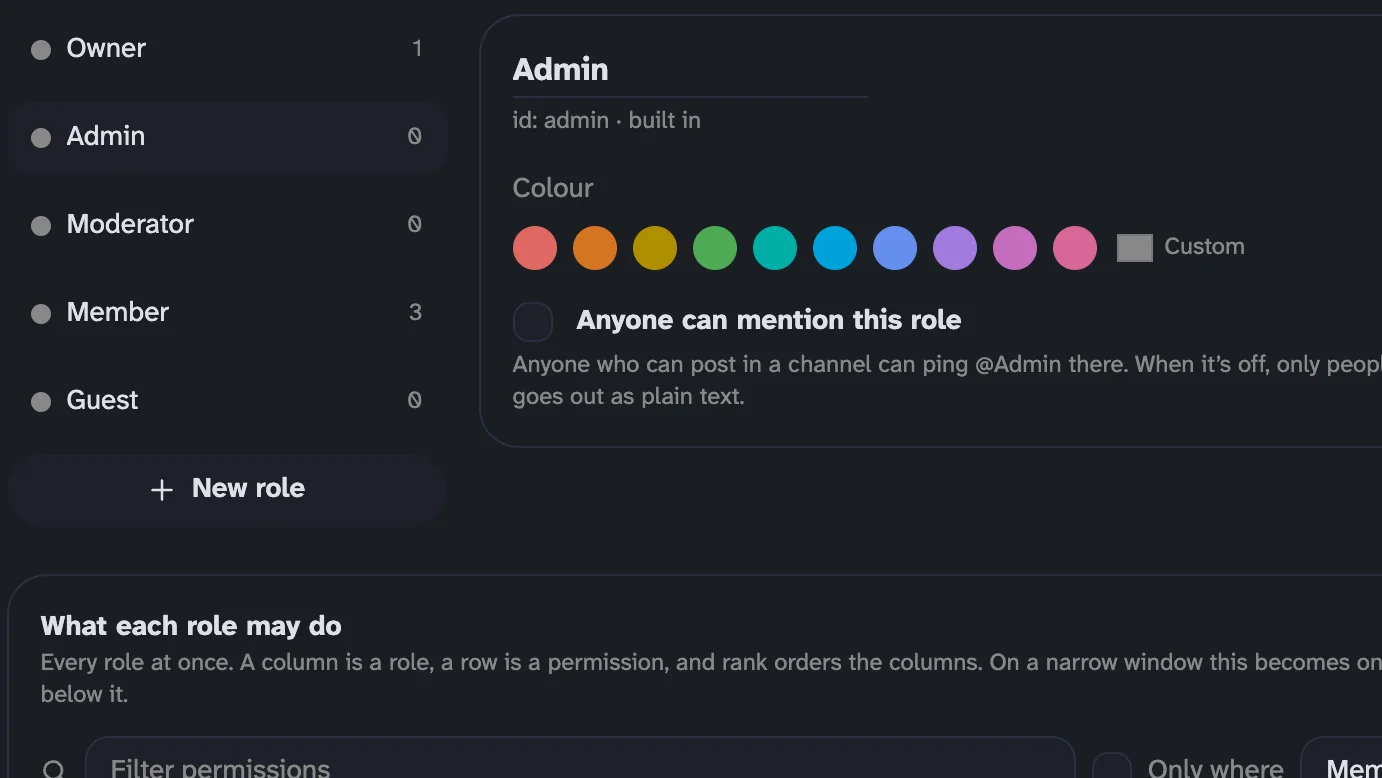
Each role carries its own permissions, and some are earned over time.
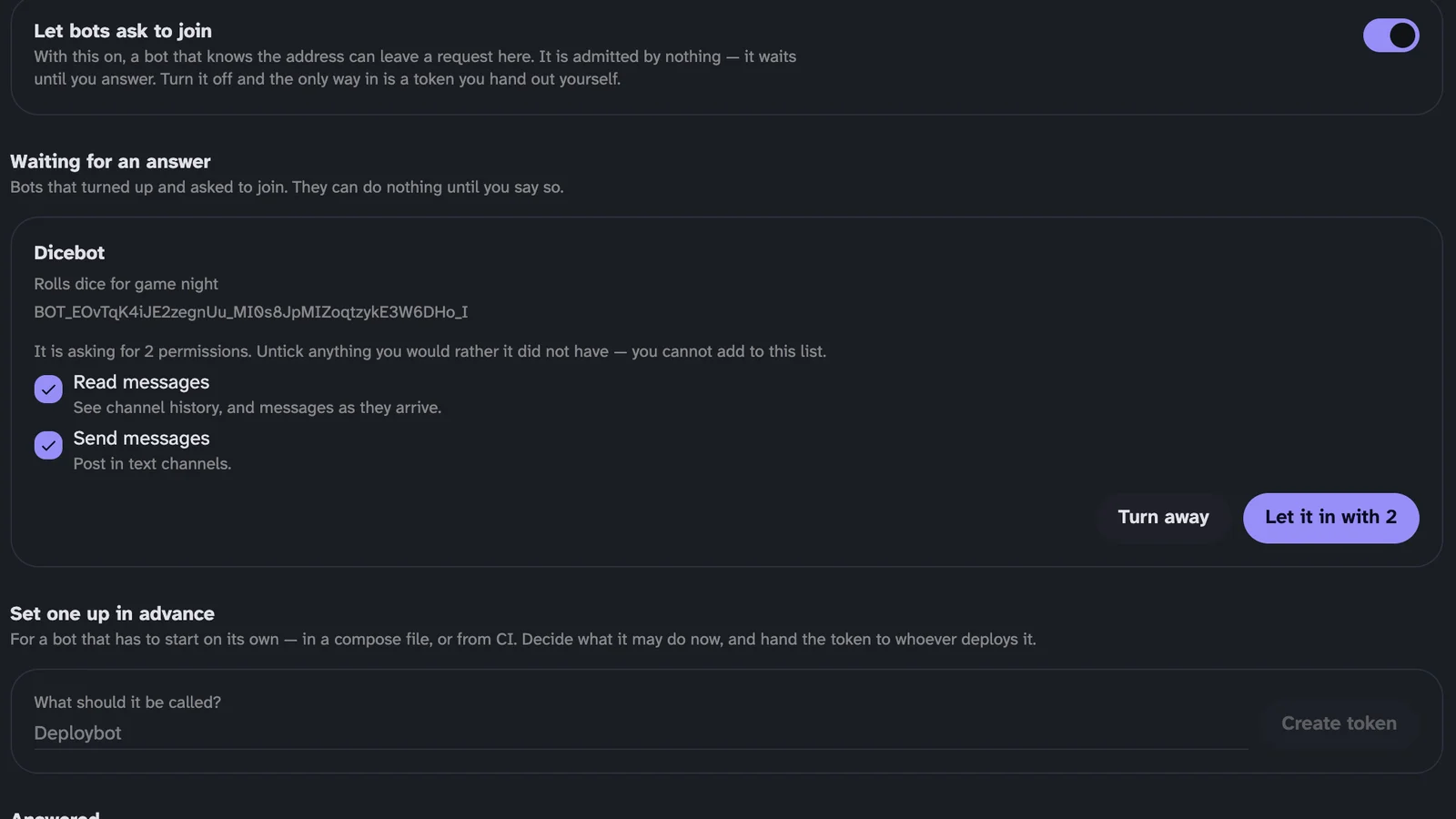
A Bots tab, a BOT tag nobody can fake, and a switch for whether bots may knock.
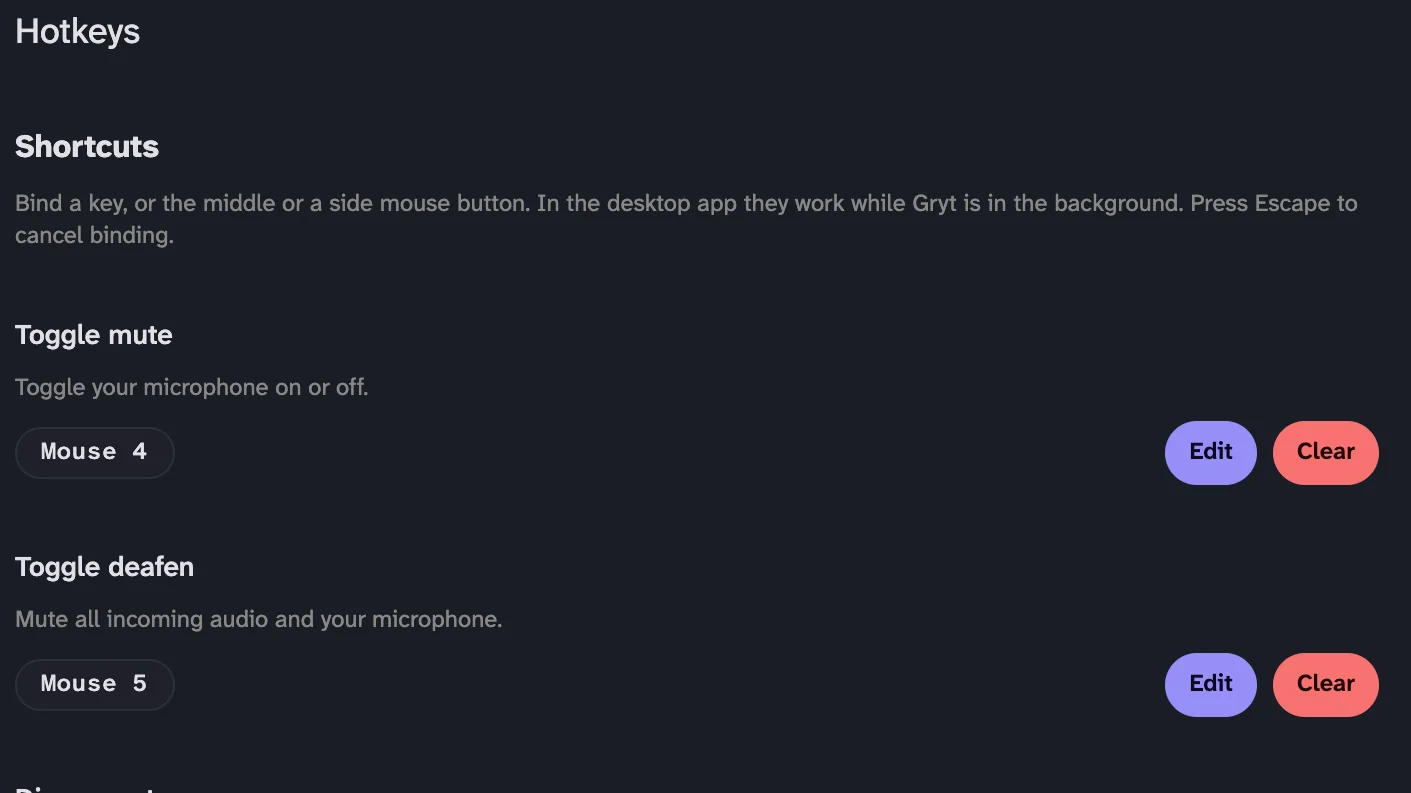
A screen share can carry the audio from the apps you pick, and a hotkey can be a mouse button.
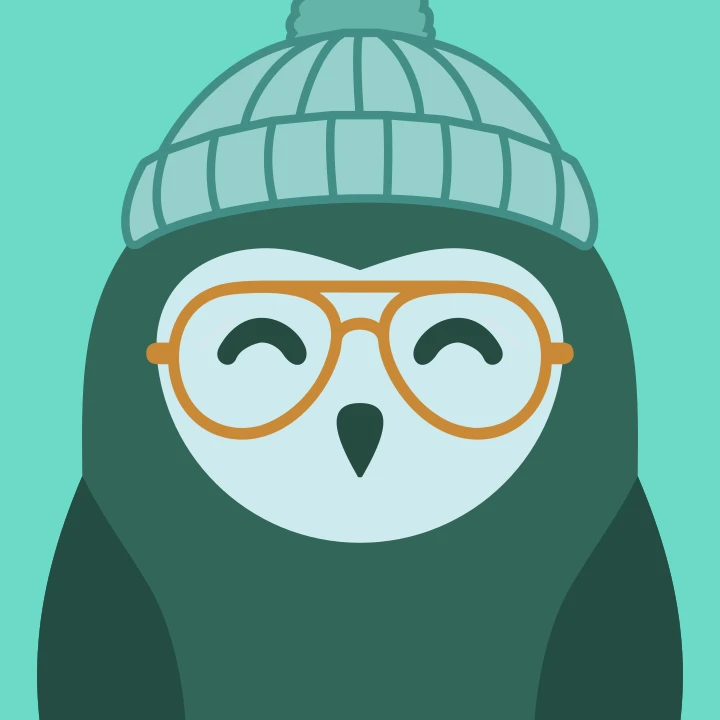
Everyone gets an owl from their name, and you can dress yours up.
Designing Your Own Owl
Join with a guest identity that fits in a password manager.
Your Guest Identity Now Fits in a Password Manager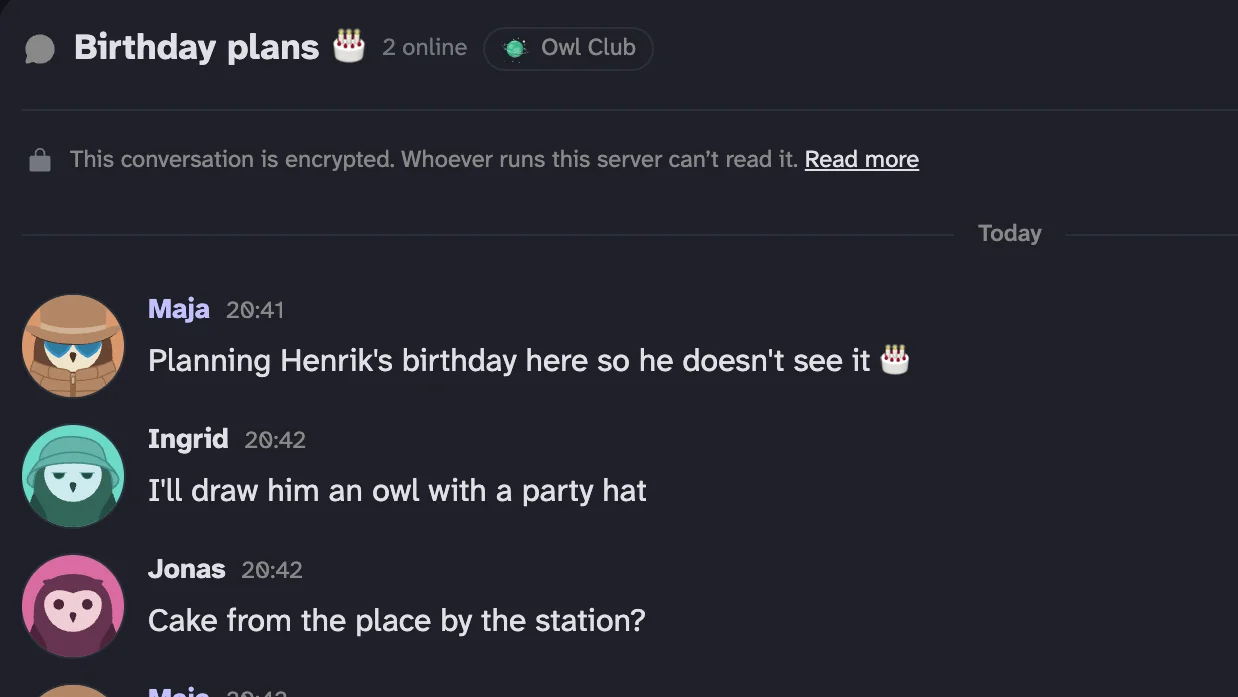
Talk to a few people at once, and call them from there.
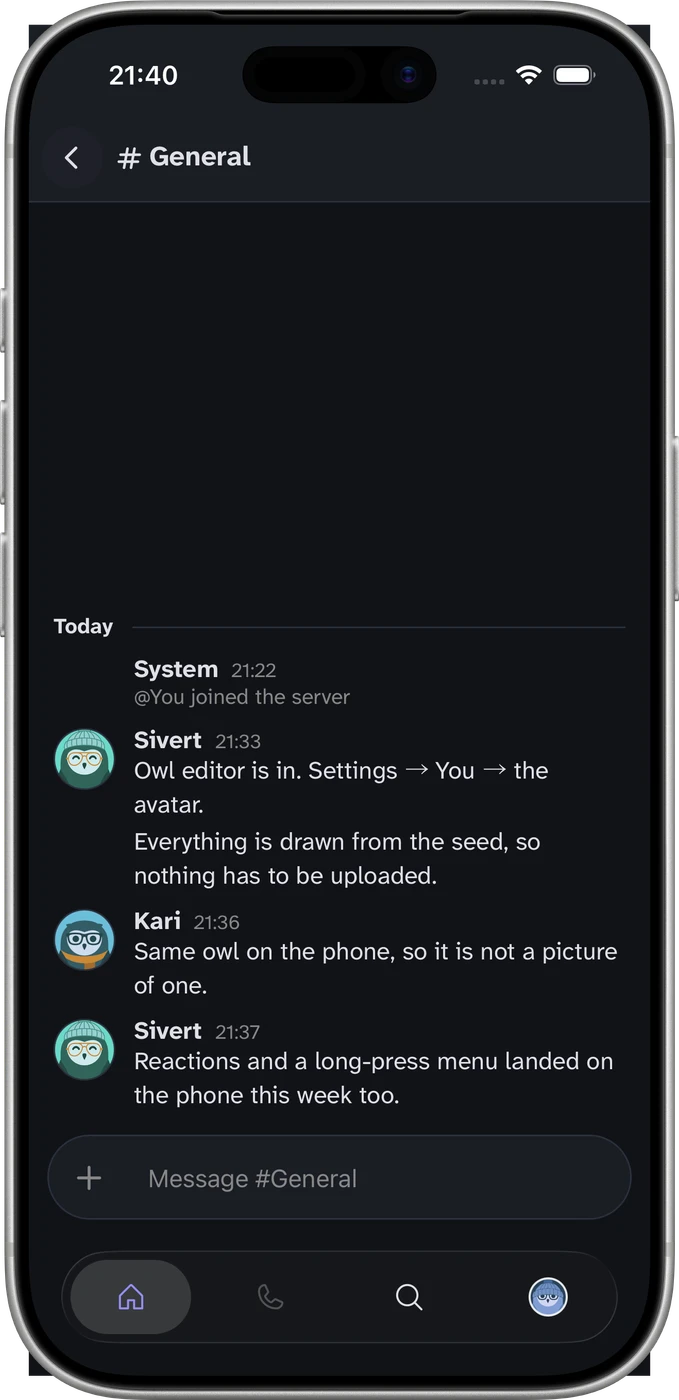
Chat, voice, video and screen sharing on iPhone and Android, in testing.
Gryt on a PhoneThe Doctor places a real call and tells you which hop is broken.
Kick, ban and mute, a mute that stops typing too, and removing everything somebody posted.
Open to anyone, by invite, or by asking, with a moderator answering each request.
Gryt remembers each server’s key and refuses one that changes, so nobody can stand in for it.
Center my face keeps you in the middle of your tile, done on your own computer.
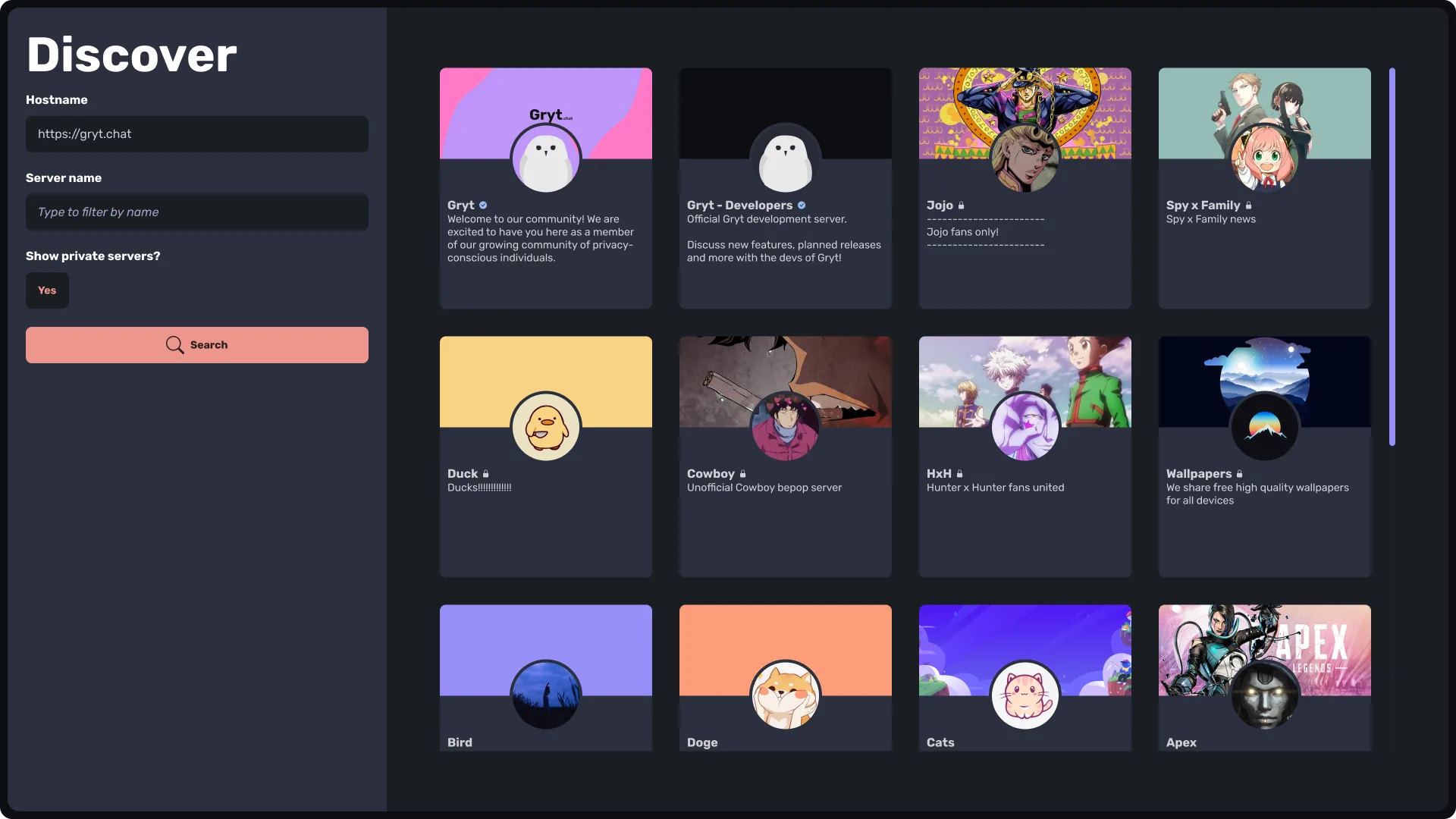
Join servers from inside the app, and find them on your network.
Download, Host, Play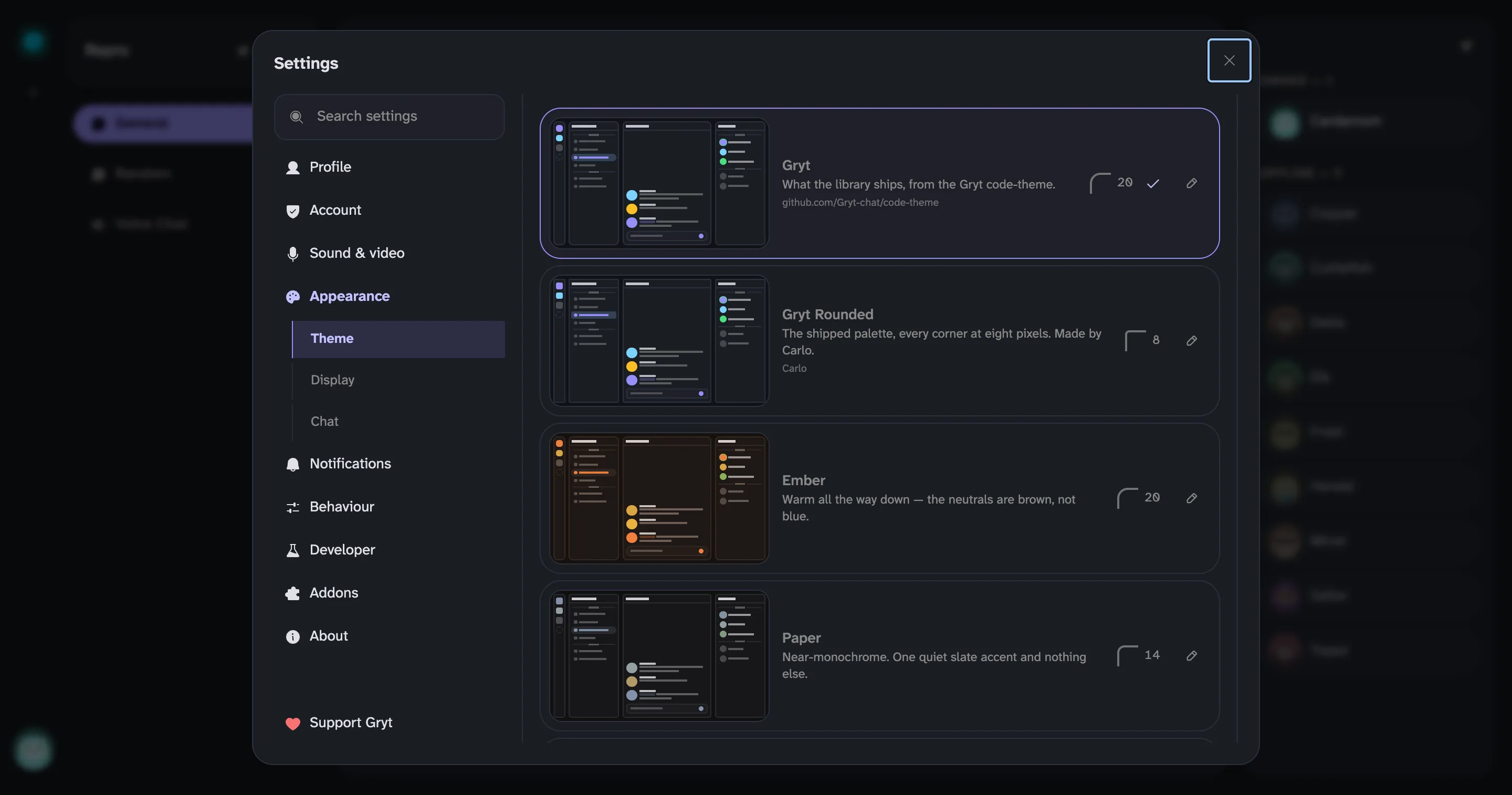
Built-in themes, or build your own at ui.gryt.chat and share it as a link.
Threads, Plugins, and Forty-Seven Themes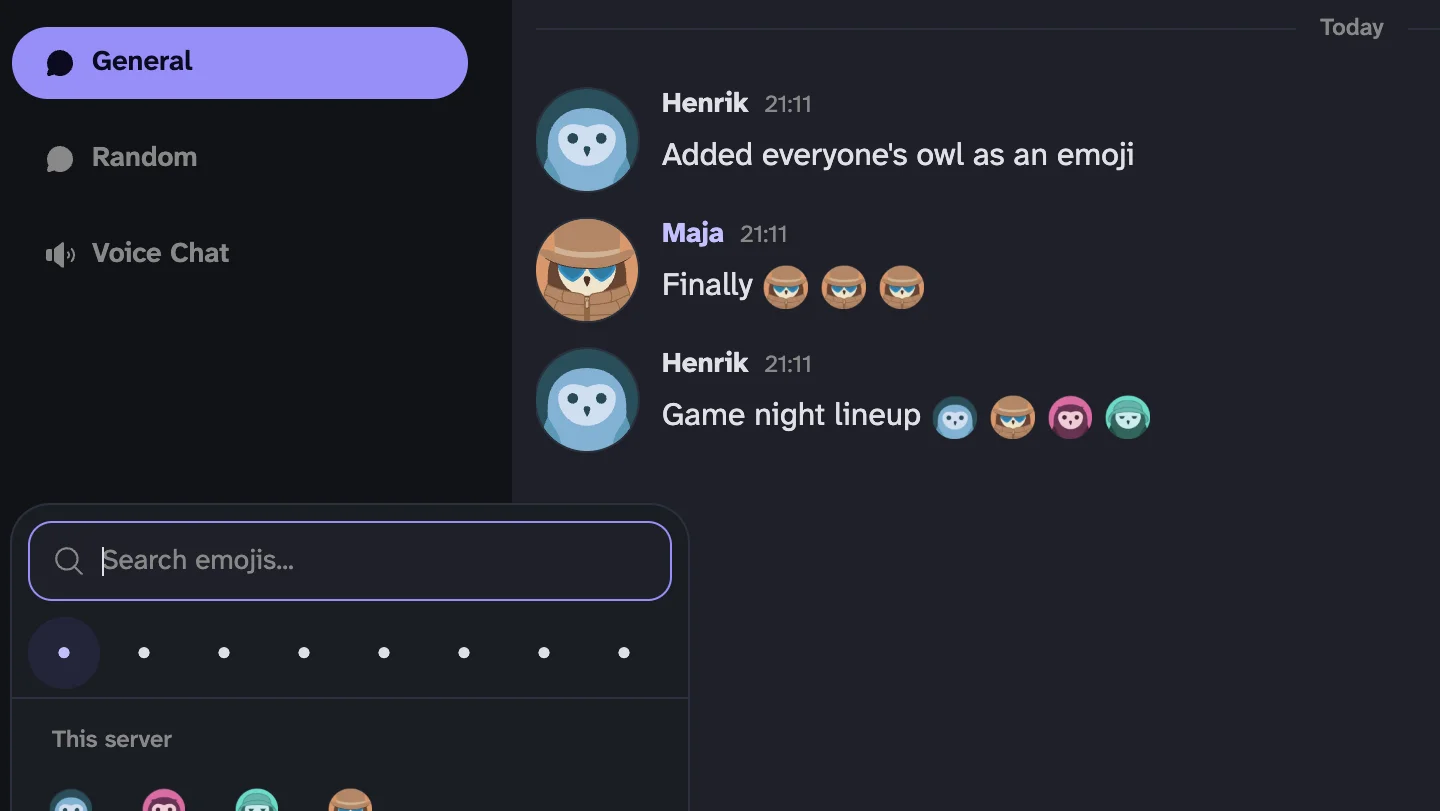
Upload them, import a ZIP or pull a set from emoji.gg, animated ones too.

Create a server from the desktop app in one click, with nothing else to install.
Download, Host, Play
NVENC, AMF and QuickSync do the encoding, and video is sent in layers for slow connections.
Hardware Codecs, SVC, and Why Your Settings Kept Disappearing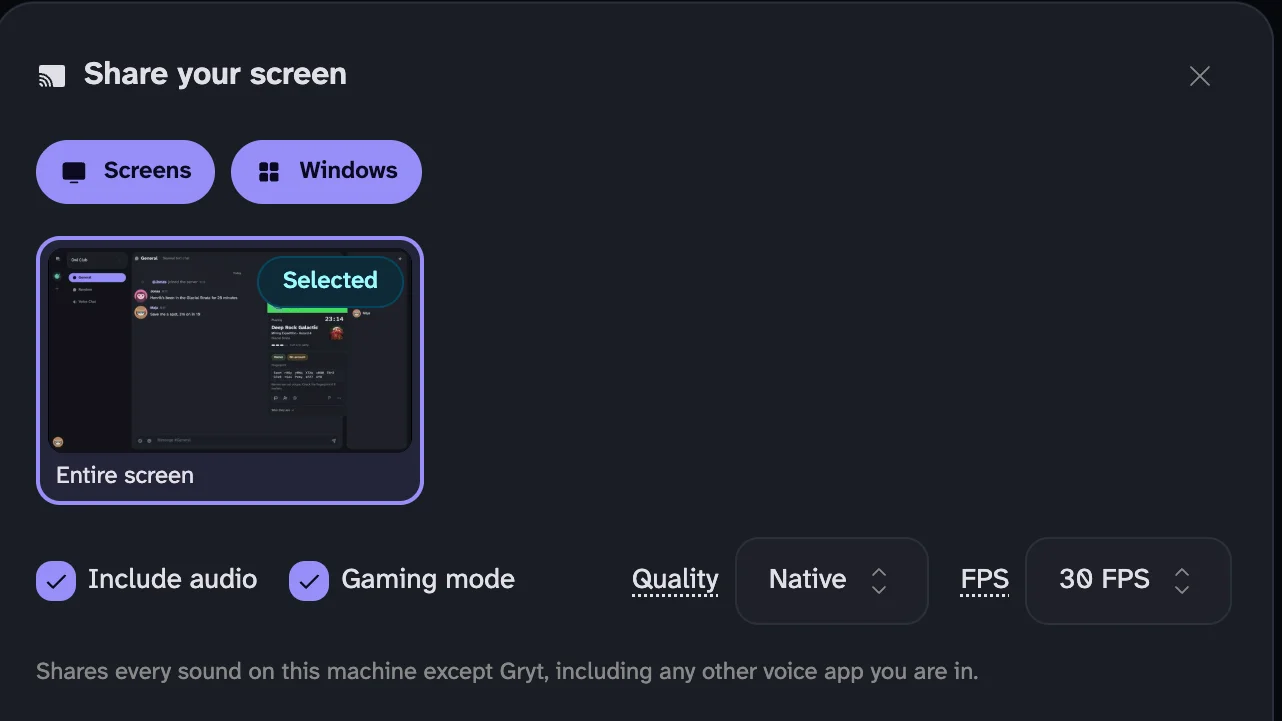
Screens and windows captured directly, up to 4K and 240 fps.
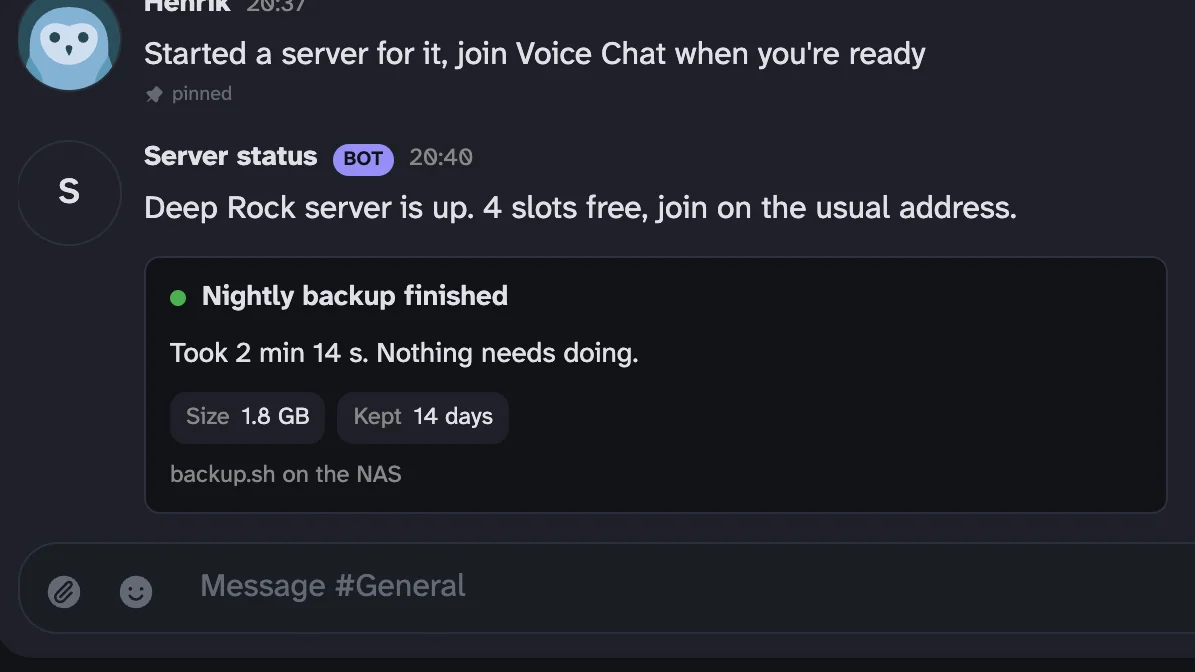
Post into a channel from anything that can send a web request.

Find servers on your network and let people in without invite codes.
131 Users and a LAN PartyA server tells you when there’s an update to take.
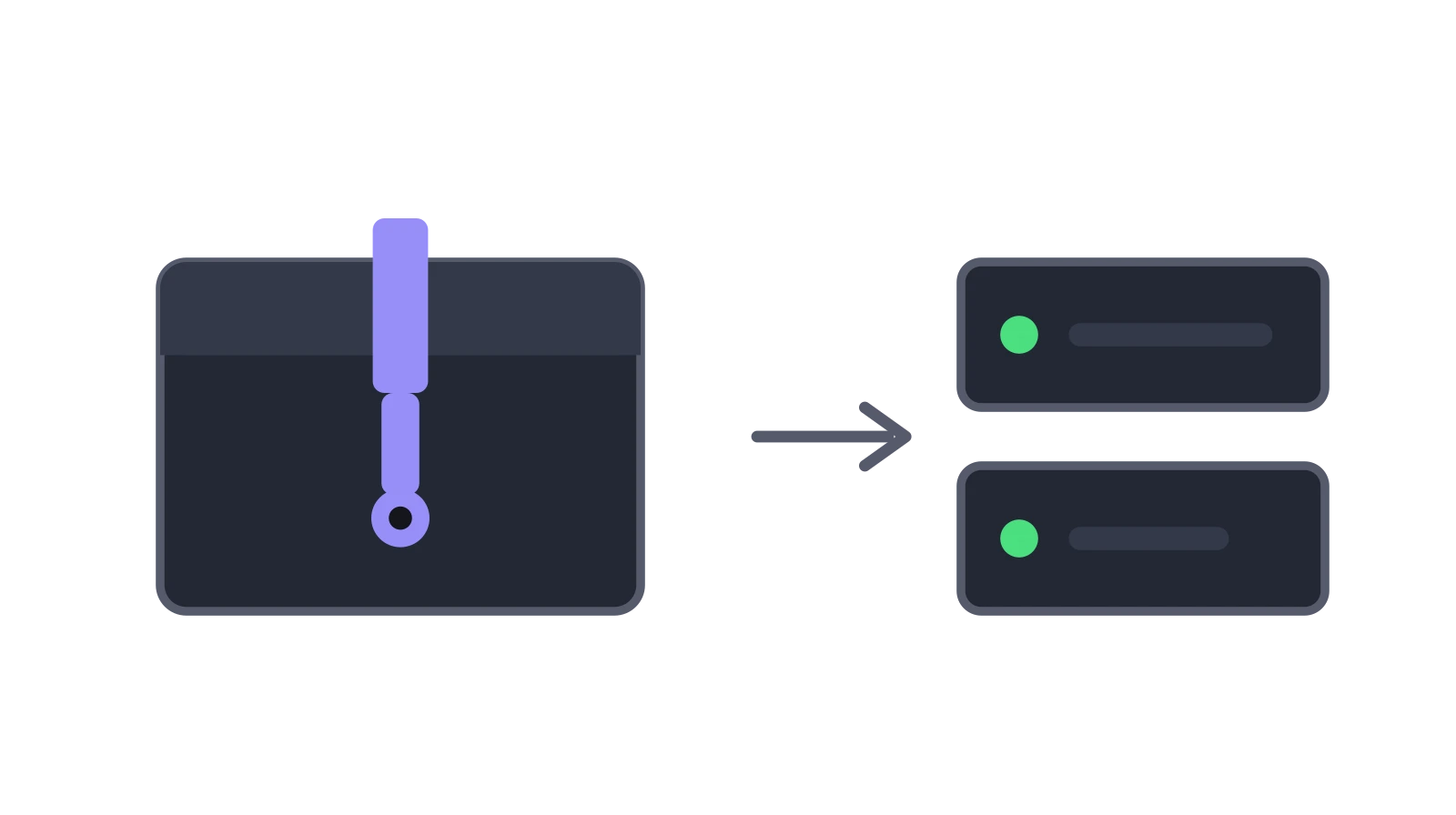
Desktop apps for Windows, Mac and Linux, the web client, and a server you can run with Docker or a Windows .exe. The server already capped how fast anyone could send messages.
Windows Server Is HereThe desktop app downloads updates in the background and installs them when you quit. You can turn it off in settings.
It took almost four years to get to 1.0. There are no version numbers from back then, just dates.
Ask for it in the app under Give feedback, or on the community server. The roadmap in the docs has the full list of what’s planned.