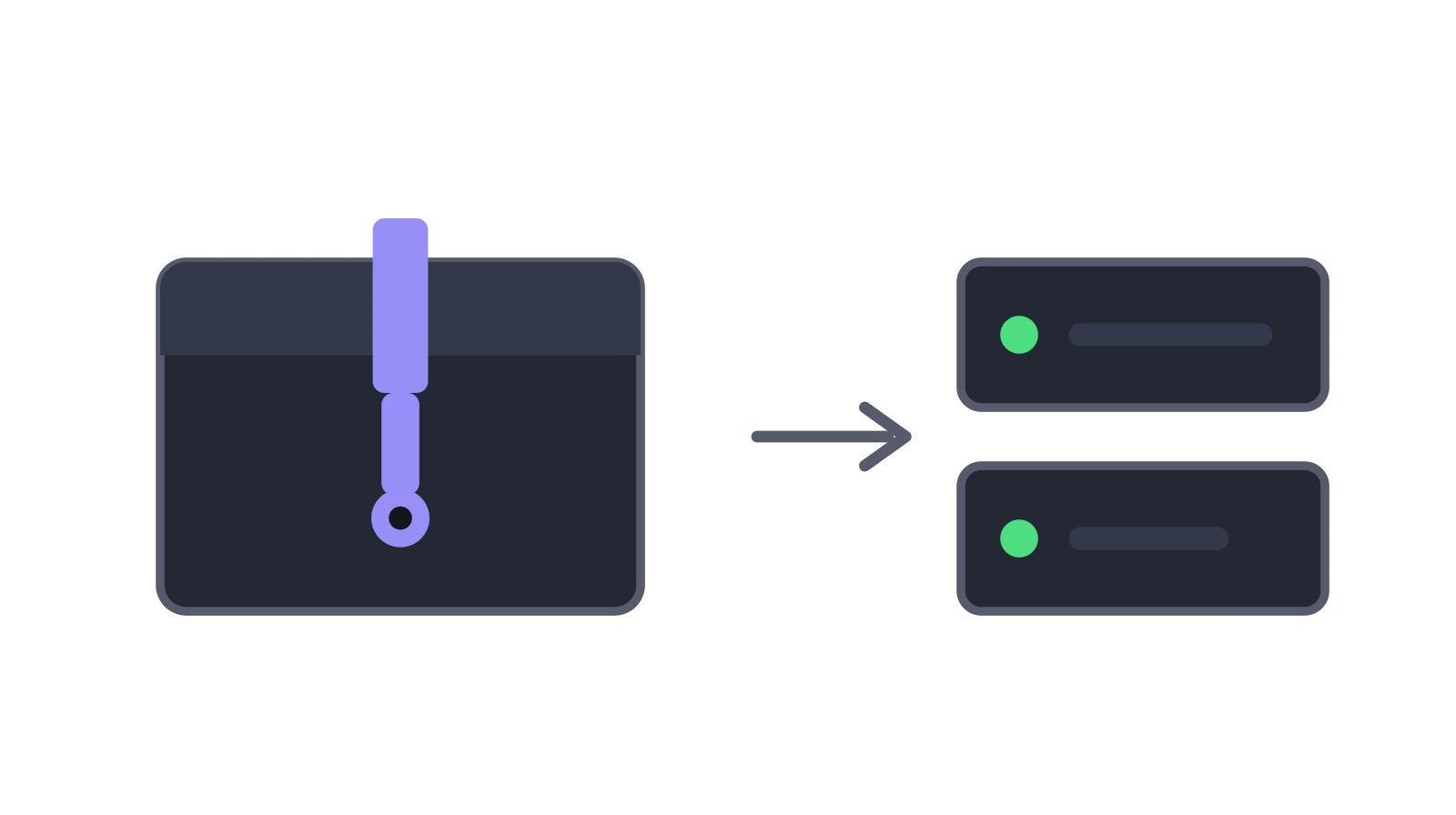
Windows Server Is Here
You can now run a Gryt server on any Windows PC. No Docker, no WSL, no sysadmin degree. Just a zip file and Node.js.
Ever since Gryt became self-hostable, the most common question has been whether you can run it on a Windows PC.
You could, but it meant Docker Desktop, WSL configuration, network bridge quirks and a lot of patience. That's more than anyone should have to do to host a voice server for their friends.
Now it's a zip: download it, edit one file, double-click start.bat.
SQLite made this possible
This wouldn't have happened without the move from ScyllaDB to SQLite. Dropping the external database dependency was the single biggest blocker. With ScyllaDB, you needed a running database container, and ScyllaDB doesn't run on Windows natively. SQLite is just a file. No container, no service, no configuration.
With the database out of the way, the remaining pieces fell into place: the signaling server runs on Node.js (cross-platform), the SFU compiles to a standalone .exe (Go cross-compilation), and the image worker is another Node.js process. Everything the server needs fits in a single folder.
What's in the bundle
The Windows self-hosted bundle is a single zip file containing:
- Signaling server. The main Gryt backend (Node.js). Handles authentication, channels, messages, file uploads, and WebSocket connections.
- SFU. The media server (
gryt_sfu.exe). Handles all WebRTC voice and video traffic. Compiled from Go, runs as a standalone binary. - Image worker. Processes uploaded images (thumbnails, resizing). Runs as a separate Node.js process so a crash in image processing never takes down the main server.
config.env. One file with every setting. Server name, ports, storage backend, all in one place.start.bat. Launches everything with one double-click.
The only thing you need to install is Node.js (version 20 or later). That's the sole external dependency.
How it works
When you run start.bat for the first time, it does a quick one-time setup: rebuilding native Node.js modules (better-sqlite3, sharp) for your specific Node.js version. This takes a few seconds and only happens once.
After that, it starts three processes:
- The image worker connects to the SQLite database and starts polling for image processing jobs
- The SFU starts listening for WebRTC connections on port 5005
- The signaling server starts on port 5000, connects to the SFU, and opens the WebSocket for clients
All three services read their configuration from config.env. No environment variable gymnastics, no Docker networking, no separate .env files to manage.
Once you see the startup banner, you're live. Connect with the Gryt desktop app or app.gryt.chat at localhost:5000. The first user to join becomes the server owner.
It took a few rounds
I'll be honest: getting this working smoothly took more iteration than I expected. Cross-compiling native Node.js modules for Windows from a Linux build machine turned out to be the hard part. better-sqlite3 ships prebuilt binaries tied to specific Node.js versions, and sharp needs platform-specific binaries that won't load if they were fetched for the wrong OS.
The solution was pragmatic: the build bundles what it can, and start.bat rebuilds the rest on first launch using whatever Node.js version is actually installed on the target machine. It adds a few seconds to the first startup, but it means the bundle works regardless of whether you're running Node 20, 22, or 25.
There were other rough edges too, including SFU port conflicts, environment variable loading differences between Linux and Windows batch scripts, and WebSocket path routing that worked behind a reverse proxy but not when running bare. Each one got caught and fixed through real testing on an actual Windows machine.
Who this is for
This is designed for casual and small-group use cases:
- LAN parties. Spin up a voice server in seconds, no internet required
- Friend groups. Host a persistent server on a spare PC or your daily driver
- Remote friends. STUN is enabled by default, so the SFU automatically discovers your public IP and punches through most home NATs. In many cases voice just works for remote users without touching your router at all.
For production deployments on a VPS or cloud server, Docker Compose is still the recommended path. It gives you automatic restarts, easier TLS setup, and a more standard ops workflow.
But if you just want voice chat for your friends and you have a Windows PC, this is all you need.
Try it
- Install Node.js 20+
- Download the latest
gryt-server-windows-x64-v*.zipfrom the releases page - Extract, edit
config.env, double-clickstart.bat
Full setup instructions, firewall configuration, and troubleshooting are in the Windows deployment guide.
Questions or issues? Open an issue on GitHub, or come chat on our Gryt server or Discord.