Designing Your Own Owl
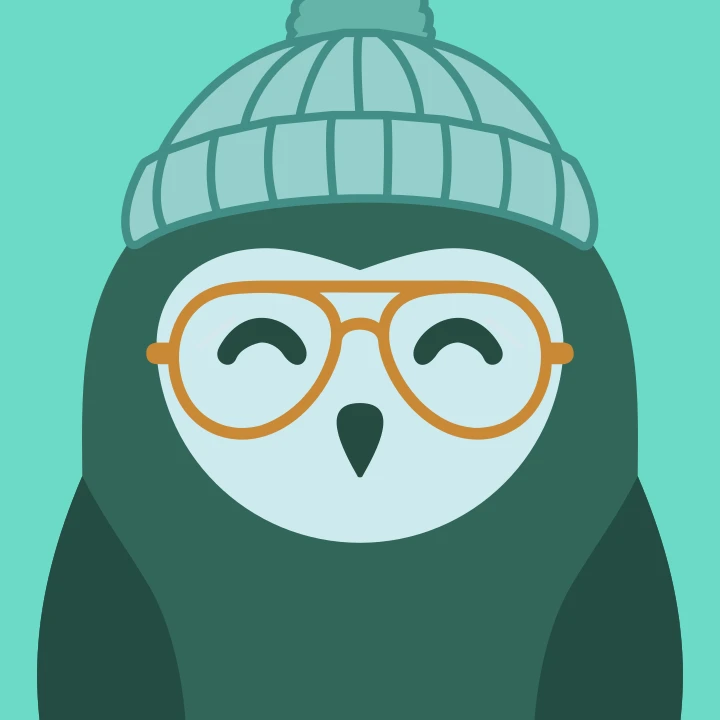
Gryt draws you an owl from your name. Now there's an editor for it, covering colours, expression, glasses, hat and scarf, and what it saves is twenty-six characters.
Everyone on a Gryt server already has an owl, worked out from their nickname. The Gryt Owls covers how that works. This one is about the obvious complaint: the owl your name produces isn't necessarily the owl you want.
So there's an editor now. Settings → You → click your avatar → Design your owl.
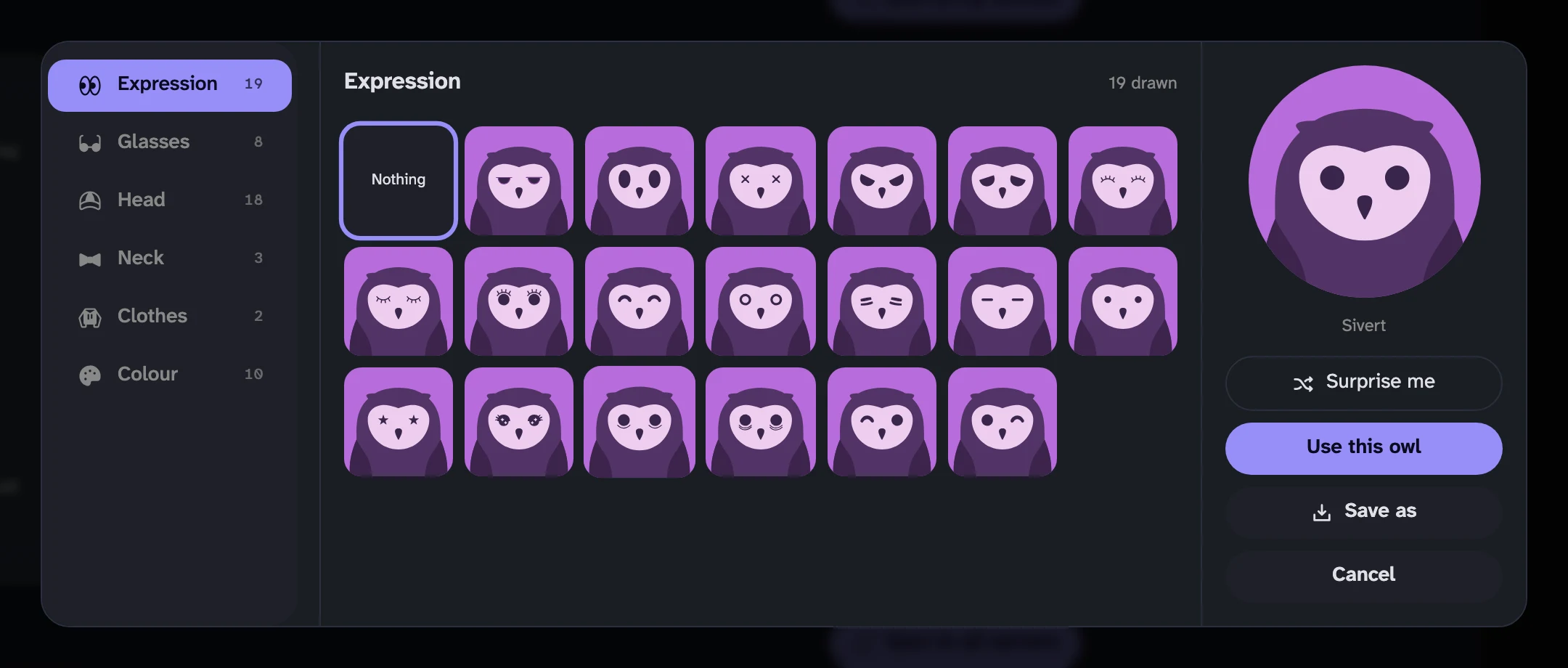 The Gryt owl editor: a rail of slots on the left, nineteen purple owls with different expressions in the middle, and the chosen owl pinned large on the right beside Surprise me, Use this owl and Save as
Every option is drawn
The expression slot holds nineteen things. Their internal names are strings like
eyes-eyelashes-surprised, and putting that in a dropdown tells nobody anything.
So there's no dropdown. Every option is drawn as your owl wearing it, in your
colours and under your hat, and you pick by looking.
Three columns follow from that. The slots sit on a rail, the options for the chosen slot fill the middle as a grid of owls, and the owl itself is pinned on the right where it doesn't scroll away. Comparing two hats should be looking rather than remembering.
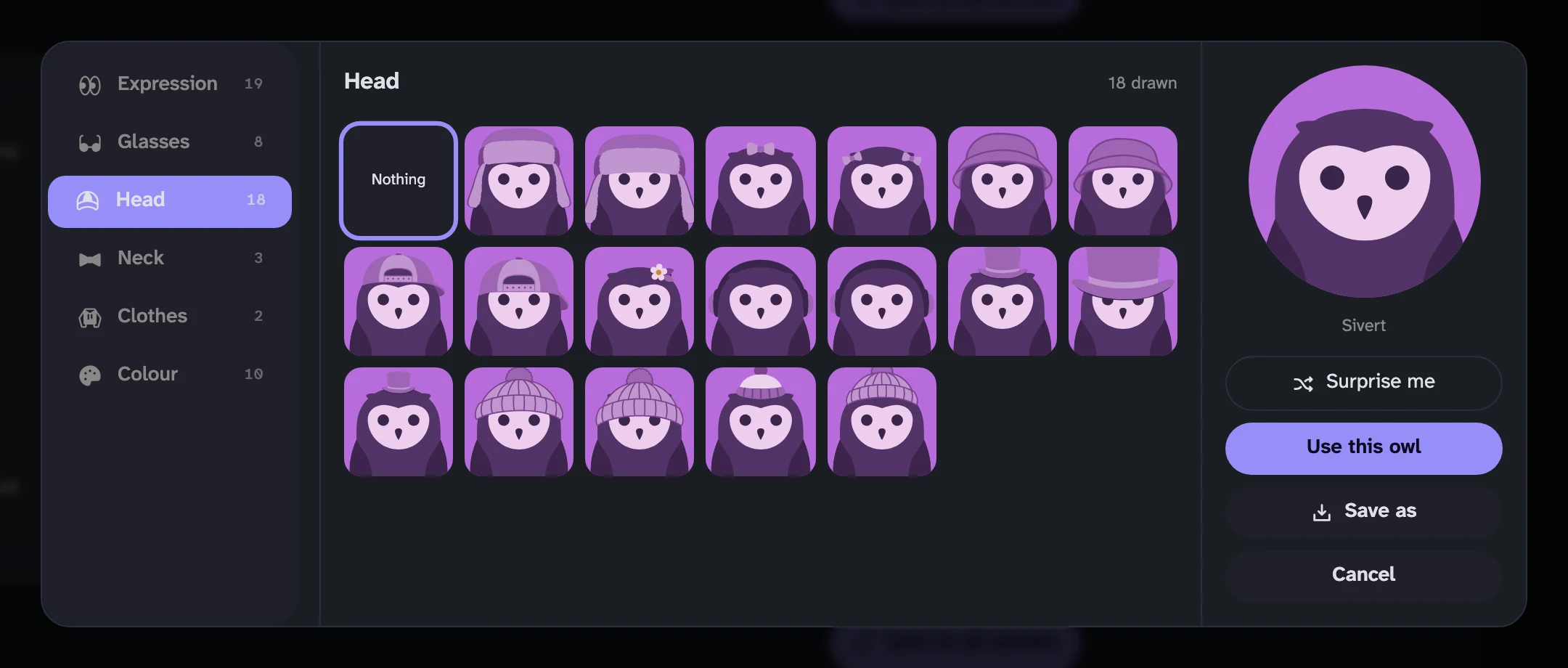 The Head pane of the owl editor showing all eighteen hats — trapper hats, bucket hats, caps, a flower, headphones, top hats and beanies — each drawn on the same purple owl
Colour isn't a slot, but it is a thing you pick, so it sits with them. Ten palettes, then the time of day the palette is drawn at (night, day or dusk), and whether the bird has ear tufts.
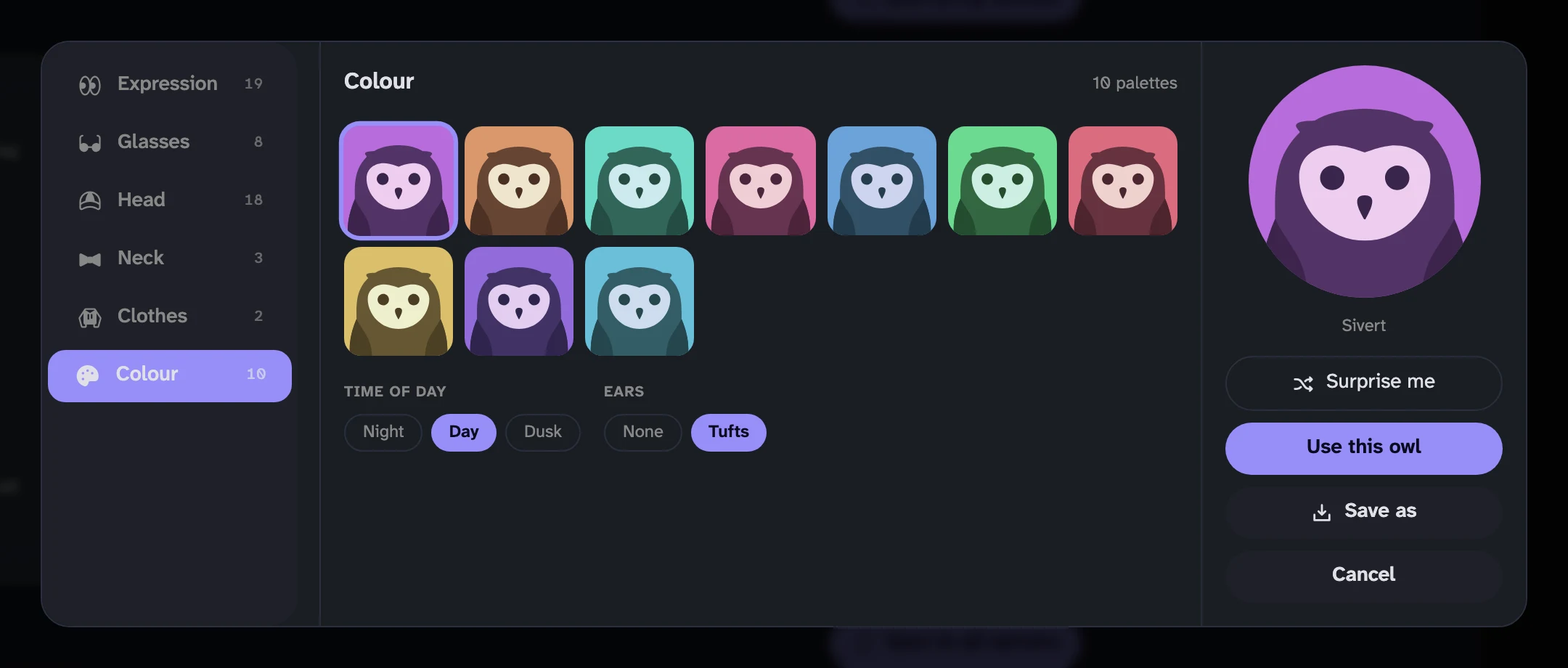 The Colour pane: ten palettes as owls, with Night, Day and Dusk buttons underneath and a choice between no ears and tufts
Surprise me rolls everything at once, which is how I've watched most people use it. It's also how you find the accessories you'd never have clicked.
What gets saved
What gets stored is twenty-six characters, not a picture.
A look is thirteen fields of two characters each, in a fixed order: the five slots, the palette, the scheme, the ears, and a palette per slot for an owl whose hat isn't the same colour as the bird. Mine currently reads:
aiarbf----acabab----------
That string travels beside your nickname. It's sent when you join a server and updated when you change it. Every client that receives it draws the owl itself from the same library, at whatever size it needs. Nothing is uploaded, nothing is resized, and the owl beside a message and the one in the settings dialog are the same drawing at two sizes rather than two rasters of it.
-- in a field means "deliberately nothing", which is a different thing from a
field being absent. "No hat" is a choice somebody made. "No opinion" isn't.
The fields are fixed-width rather than delimited, because a missing one would otherwise shift everything after it. The keys are append-only for a reason that took a bug to learn: if you derived them from the palette array's order, adding one palette in the middle would silently recolour everybody whose key sits after it.
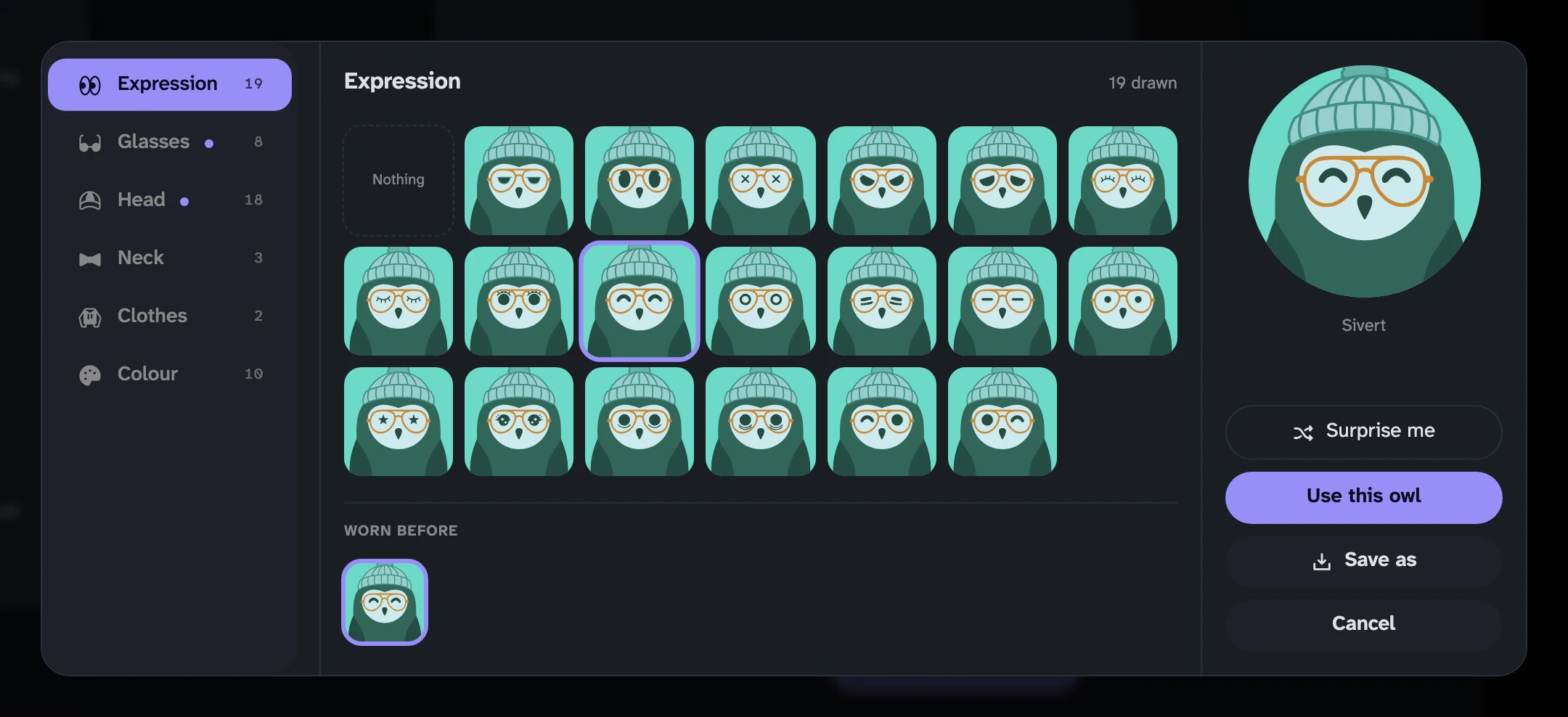 The editor after picking teal, a wink, round glasses and a knitted hat — the finished owl pinned on the right, with a 'Worn before' row of earlier looks underneath the grid
Small things that took the longest
A dot on the slot when there's something new in it. Fifty drawings is already more than anyone scrolls through twice, and the number goes up whenever somebody sends a hat. Without a marker, a new pair of glasses is invisible to everyone who has already chosen.
A wardrobe. Looks you've worn before sit under the grid, because the actual failure mode is designing something you like, trying one more hat, and not being able to get back.
Save as. Four formats, and the differences aren't cosmetic. SVG is what the generator produces: a few kilobytes and no resolution at all. PNG is the one to hand to something that won't take an SVG. WebP is the same picture at about a third of the bytes. JPEG has no alpha, so the owl is drawn on its palette background rather than collapsing to black, and it's last for that reason. The rasters come out at 1024 square, which is the frame the generator draws on, so they're a whole-number scale of the real geometry rather than a resample.
There was also a bug worth admitting. Voice tiles take their tint from your avatar's colour, and for a few releases they took it from a raster of the designed owl instead of from the design, which meant a tile that was nearly but not quite the right colour. That's fixed. It's the kind of thing that only shows up when the avatar and the tile are side by side, which is exactly where they are.
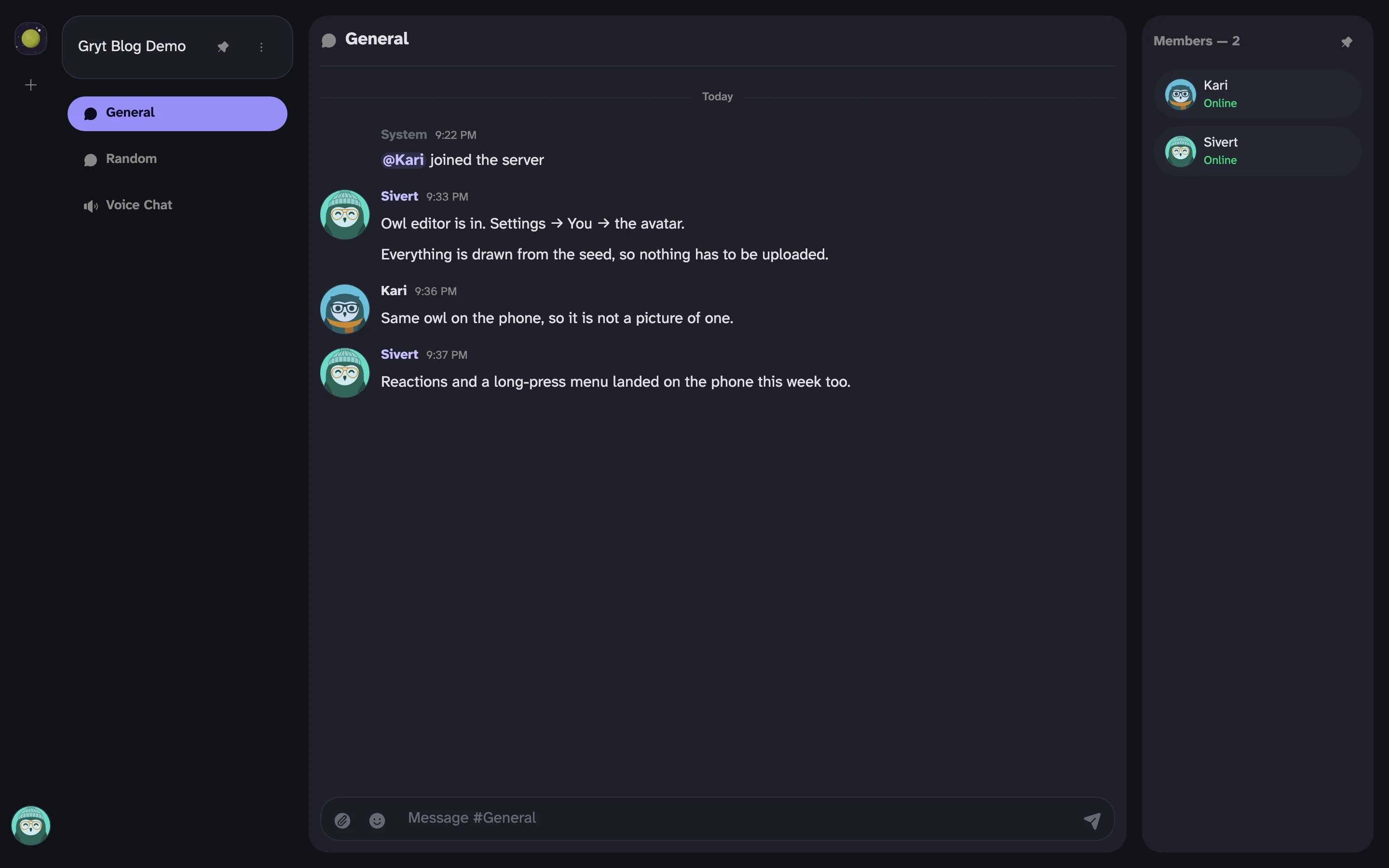 A Gryt channel in the desktop client with the designed teal owl appearing in the message list, the member rail and the corner button
Uploading a picture instead
Upload one. The chooser offers it right there and it hasn't gone anywhere. The owl is what you get when you haven't, which covers most people most of the time, and now it's something you can decide about rather than something assigned to you.
The editor arrived in 1.6.37 and picked up the new-cosmetic marks and Save as by 1.6.39. If you want to add a hat that isn't in it yet, that's a pull request away.