Gryt 1.4.0
BetaVoice got a proper design pass, and hosting from the app finally processes your images.
This one is mostly about voice looking like someone designed it, and about the desktop app finally doing the image work it was only pretending to do. There's also a fair bit of security work in here. Servers now have to prove who they are, which is worth reading about further down.
Voice looks like someone designed it
The voice panel used to be a row of grey circles with names under them. Every tile is now tinted from the colour of the person in it, so a call you're only half-watching still tells you who is where. It works a bit like remembering where somebody sits in a room.
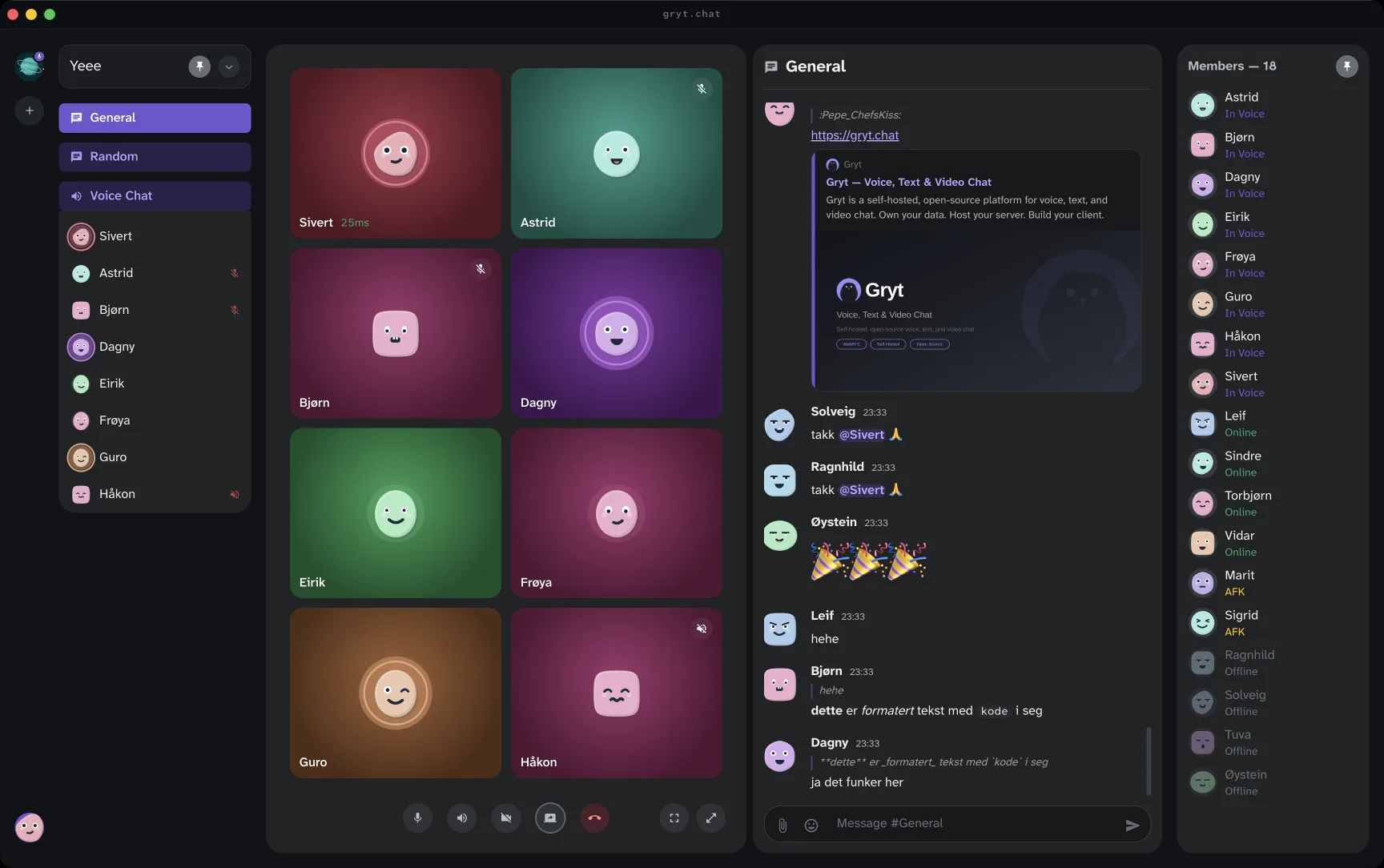
Whoever is talking gets a ring in their own colour, and a halo behind their avatar that grows with how loud they're. It follows the syllables rather than blinking on and off, so someone trailing off looks different from someone stopping.
Muted people wear a badge now. Before, the only sign was a halo that never appeared, and noticing that something is absent is a lot to ask. Deafened people get their own badge, because it means something different: they can't hear you either.
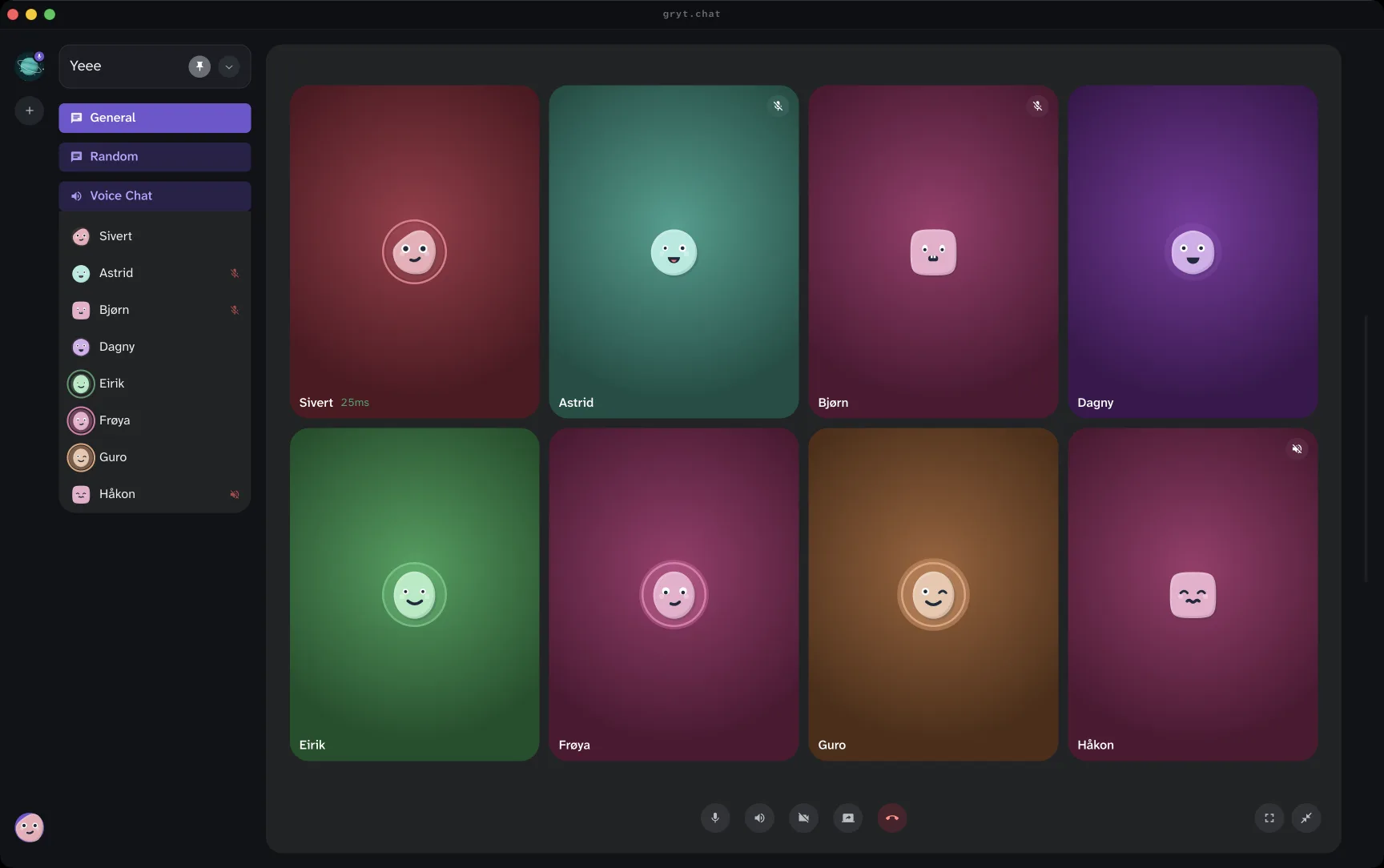
Maximise the panel and the call fills the window, with the tiles growing to use the space, so there's no gap left where the chat was.
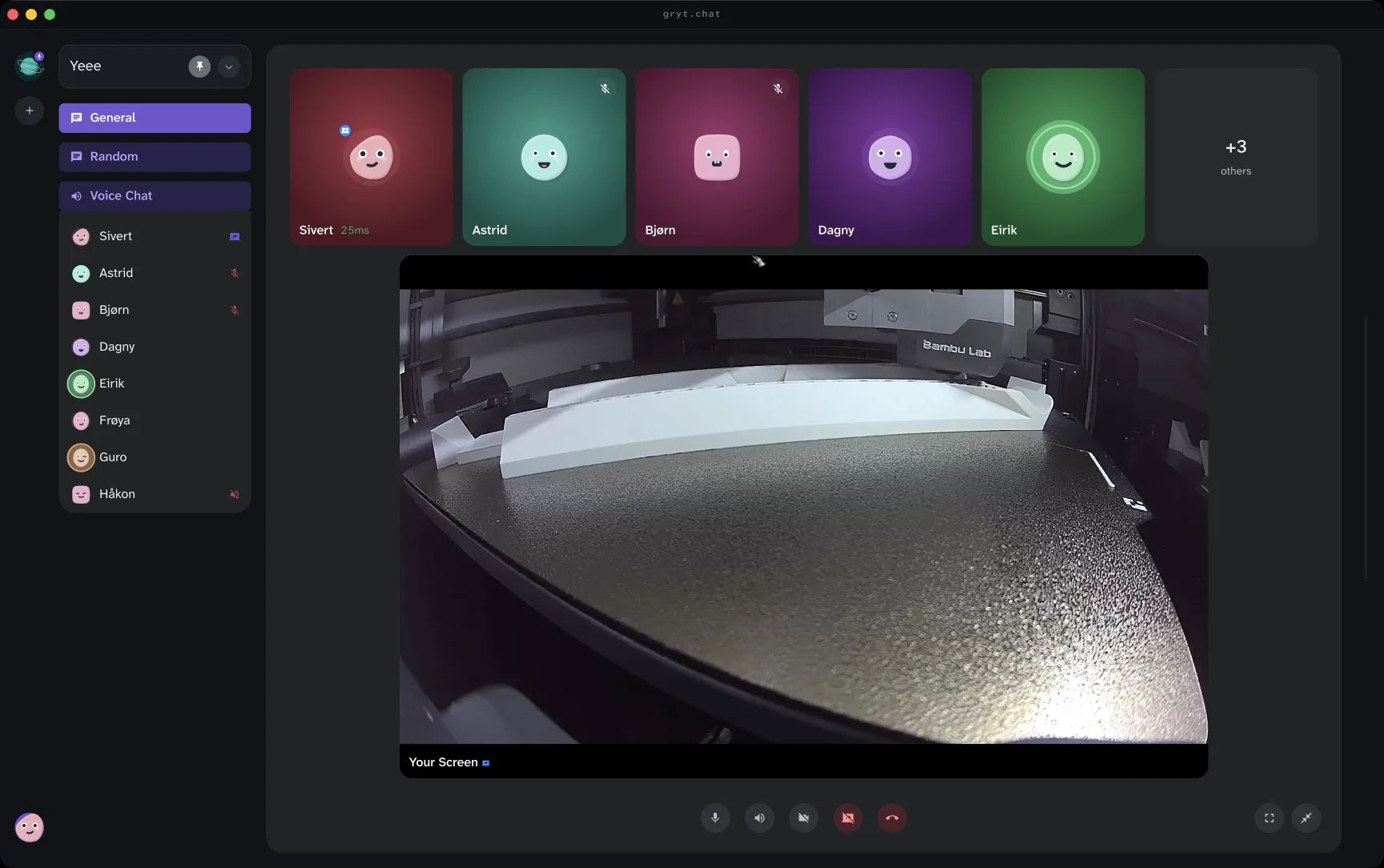
When somebody shares their screen, the share becomes the main view and everyone else moves to a strip above it. That's what you want to be looking at during a screen share, and it's probably what you expected the old layout to do.
Everyone has a face
If you have never set an avatar, Gryt draws you one. A letter tile was a poor way to tell people apart, since half a member list ends up as the same letter, and a face is something you recognise without reading it.
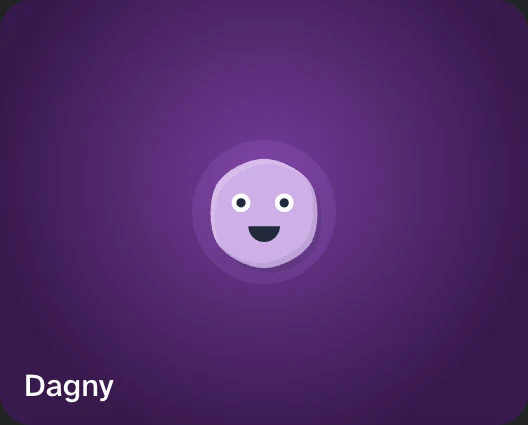
It's drawn on your own machine, so nothing about you goes anywhere to make it, and it still works on a server with no internet access. The same person gets the same face every time, and the tile takes its colour from that face. That's what makes the tinting further up work for the many people who never uploaded anything.
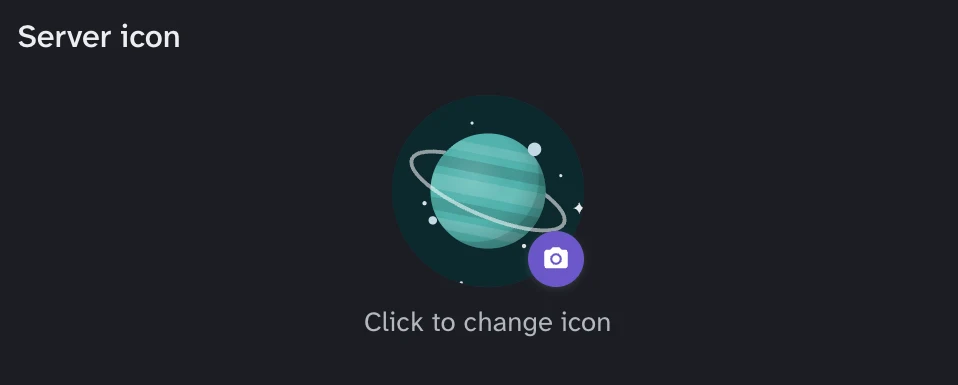
Servers without an icon get one too, in a style that's not a face. A server is not a person, and drawing it as one looked wrong every time.
Emoji, from a link
Server settings will take a link and import the emoji behind it. It already understood BetterTTV; it takes emoji.gg now as well, whether that link is a single emoji, a pack, or somebody's whole profile. You get the list first, you can rename anything before it lands, and you import only what you picked.
Hosting from the app does the image work now
Hosting a server from the desktop app queued image jobs that nothing ever read. No thumbnails, no colours picked out of uploads, and files left at full size on your disk. Images skip the upload size limit on the assumption that something will shrink them afterwards, and nothing was. The image worker ships with the app now, so all of that actually happens.
Servers have to prove who they're
Your client remembers a server's identity key the first time you connect, and checks it every time after. A server that can't prove it's the same one you trusted before doesn't get your identity.
There's a screen for this under server settings, so a server that legitimately changes its key is something you can see and undo. A server can also rotate its key deliberately and clients will follow it, so a planned rotation isn't treated as an attack.
Two more, plainly. Your client used to sign a challenge that named a different host, which produced a credential usable somewhere you never agreed to talk to. It refuses now. And SVG uploads are refused: an SVG is a document that can carry scripts, and Gryt was serving them back from its own address, which is enough to run code as you.
The short version
Voice
- Tiles are tinted from the colour of your avatar, so you can tell who's who without reading
- Whoever is sharing their screen becomes the main view, with everyone else in a strip
- Muted people wear a badge instead of you inferring it from a missing halo
- Joining voice with no microphone says so, instead of looking like it worked
Avatars and images
- Anyone without an avatar gets a generated one, and servers without an icon do too
- Avatars are stored at twice the size and no longer go blurry
- Uploaded images get a colour picked out of them, which is what tints the voice tiles
- Hosting a server from the app now processes images at all: thumbnails, colours and compression were doing nothing before
Emoji
- Import emoji from an emoji.gg link: one emoji, a pack, or a whole profile
- Clearing a server icon takes effect straight away instead of leaving the old one on screen
Updates
- Updates install when you close Gryt, instead of trying to replace it while you're using it
- Turning beta off now works. It never did
- The splash screen shows what it's doing instead of giving up after 15 seconds
- Server settings show the real versions of the server, the SFU and the image worker
Hosting
- "Discoverable on LAN" does something. The checkbox was decorative
- The voice seat limit is a real setting, not a number inferred from a port range
- Port conflicts explain themselves, and the Dismiss button dismisses
- Your nickname stops flip-flopping. You saw one name, everyone else saw "Unknown"
Security
- Servers now prove who they're. Your client remembers a server's key on first connect and checks it every time after
- A new screen under server settings shows pinned identities, so you can see a change and undo a block
- Servers can rotate a key deliberately and clients follow it, rather than treating a planned rotation as an attack
- Your client refuses to sign for a server it didn't dial. A server could previously get a credential for somewhere else
- SVG uploads are refused. An SVG can carry scripts, and Gryt was serving them from its own address
Accessibility
- Fixed two colour combinations that failed contrast requirements
- The main panels announce themselves properly to screen readers
Under the hood
- Replaced the compiled SQLite library with the one built into Node, taking ~43 MB out of the desktop app
- The image worker ships with the app now. It used to exist only for Docker-hosted servers
- Upload limits apply to everything. Images and animated avatars used to skip them entirely
- Self-hosting the server now needs Node 22.13 or later, and says so instead of failing with a module error